

A modern WordPress agency does a lot more than install plugins and tweak themes. These are lean, fast-moving teams that deliver high-performance websites, manage complex client needs, and ship scalable solutions, often under serious deadlines.
What makes all that possible is a smart, well-integrated tech stack, for starters.
In this article, we reveal the tools, workflows, and systems that help WordPress agencies stay agile and deliver reliably. It really doesn’t matter if we’re talking about a simple five-page site or a complex multisite network, either. The right stack improves collaboration, speeds up delivery, and keeps everything running smoothly.
Let’s take a look.
Building locally: Development tools that power the workflow
For WordPress agencies, local development is foundational. It lets teams build and test safely without touching live or staging environments. With the right tools, it becomes a fast, flexible, and reliable part of the delivery process.
Let’s explore three tools and how they work together to streamline modern WordPress development.
DevKinsta
DevKinsta makes creating a local WordPress site as easy as clicking a button. Each site runs in a Docker container with configurable PHP, Nginx, and MySQL settings, making it simple to match production environments. Built-in tools like Adminer, log access, and email testing are included out of the box.
The real standout? Full integration with Kinsta’s hosting platform. Once your local site is ready, you can push it straight to staging in just a few clicks. This totally speeds up feedback loops and eliminates messy handoffs.
WP-CLI
WP-CLI gives developers a faster way to manage WordPress via the command line. From installing plugins and updating settings to creating users and running migrations, it replaces clicks with scriptable commands.
Agencies often use it to automate setup and maintenance across multiple sites. For high-volume work, it’s a huge time-saver and essential for consistent workflows that can realistically scale.
WP Migrate
Moving data between local, staging, and production environments can get messy quickly. WP Migrate simplifies this process. With just a few clicks, agencies can push or pull databases, media, themes, and plugins without breaking serialized data.
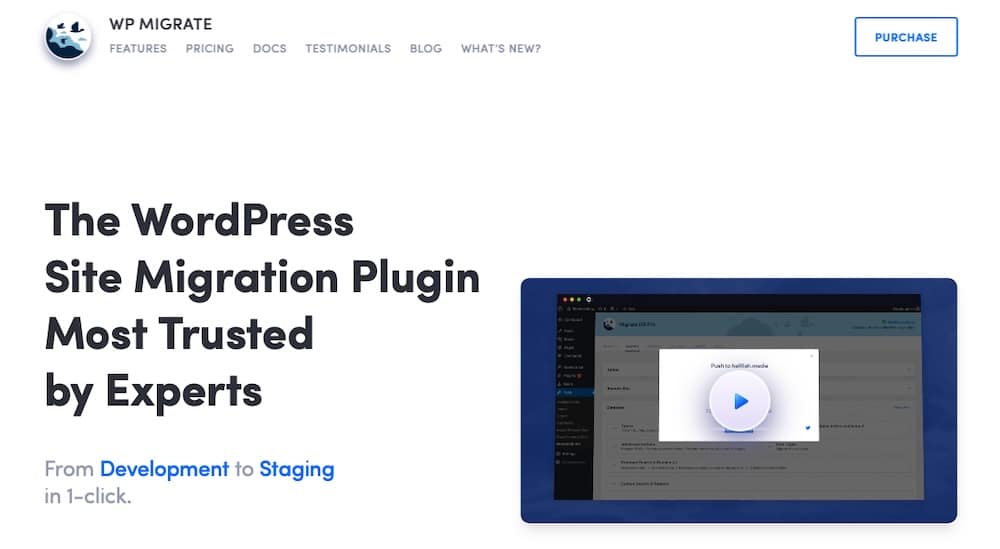
Used alongside DevKinsta and WP-CLI, WP Migrate completes a local workflow that’s fast, dependable, and built for modern team collaboration.
Keeping things clean with version control and deployment pipelines
At a modern WordPress agency, clean code isn’t optional. It’s how teams stay organized and ship safely. With multiple devs (often in different time zones) working on the same project, version control and automated deployments keep everything on track and production-ready.
Here are some essential tools and processes that keep code quality high and deployments predictable.
GitHub and GitLab
Version control tools like GitHub, GitLab and BitBucket are core to how agencies build and collaborate.
Git repositories, branches, and pull requests let teams work in parallel without overwriting each other’s code. Feature branches, hotfixes, and release tags keep everything organized and reduce the risk of bugs slipping into staging or production.
Pull requests double as quality control, developers can review code, leave comments, request changes, and approve updates before anything goes live. It’s a transparent, accountable way to keep standards high.
CI workflows
Once code is reviewed and merged, continuous integration (CI) workflows kick in. These automated pipelines handle the routine tasks like running lint checks, compiling assets, syncing files, and pushing updates to staging or production.
For WordPress projects, that might mean:
- Running PHP linters to catch syntax issues
- Compiling SCSS or JavaScript
- Exporting theme or plugin files
- Deploying to a Kinsta staging site
- Sending a Slack notification when it’s done
It keeps the process consistent, reduces human error, and ensures every update follows the same reliable path.
GitHub Actions + Kinsta API
Many agencies use GitHub Actions to build custom deployment workflows, thanks to its flexibility and native GitHub integration.
When combined with the Kinsta API, it creates a powerful system that can auto-deploy merged branches to a staging environment and run post-deploy scripts (like database updates or cache purges). It can also trigger plugin updates or theme rebuilds and ping your team in Slack with deployment logs or error reports.
This kind of automation minimizes human error and keeps your team focused on building, not babysitting code pushes.
Design and prototyping
Design comes first, and agencies rely on wireframing and prototyping tools to turn ideas into clear, buildable plans. A solid design workflow keeps projects on track, smooths handoffs, and gives clients visibility from the start.
Here’s a look at the core design tools agencies use and how they keep projects moving smoothly from concept to code.
Figma
Figma is the design tool of choice for WordPress agencies. It runs in the browser, supports real-time collaboration, and makes it easy to go from wireframes to full UI systems.
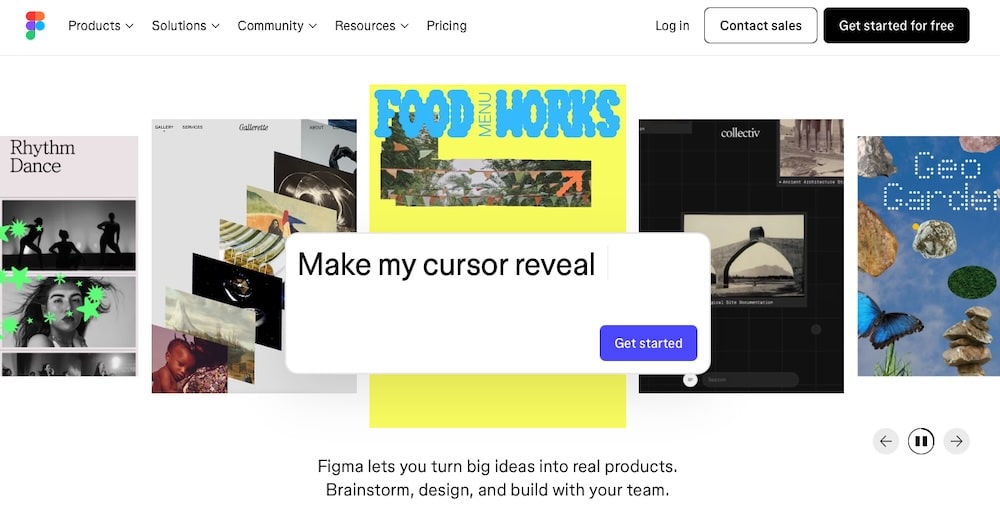
Its component-based structure works well with block-based themes, letting teams reuse design elements across projects for faster, more consistent builds.
Zeplin and Avocode
Once designs are approved, tools like Zeplin and Avocode turn them into dev-ready specs, including spacing, colors, fonts, assets, and CSS snippets.
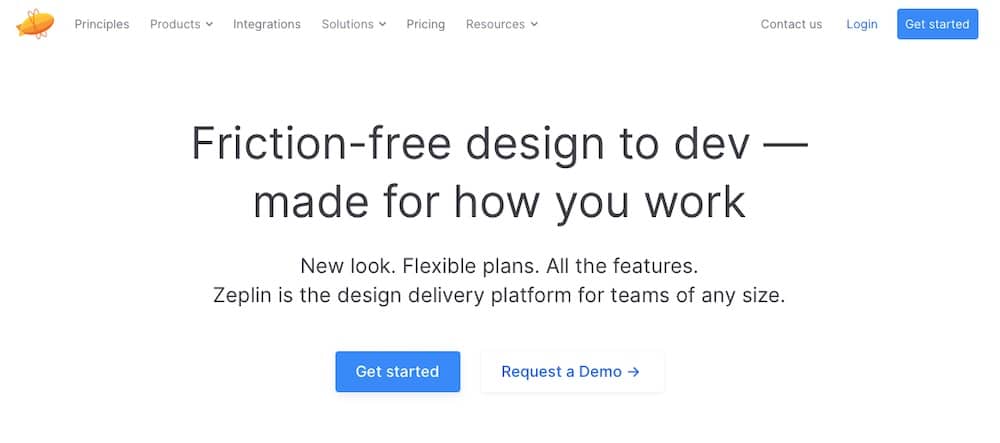
For agencies building pixel-perfect themes, they take the guesswork out of translating mockups into code.
Frameworks, starter themes, and custom builds
Agencies rarely use off-the-shelf themes for custom builds. Instead, they rely on frameworks and internal systems that simplify development and keep code clean, consistent, and scalable. These building blocks greatly assist with developing high-quality WordPress work.
Sage
Sage is a favorite among advanced WordPress developers for a reason. It brings modern PHP development practices to WordPress theming, offering Blade templating (inspired by Laravel), structured file organization, and modern frontend workflows using Laravel Mix or Vite.
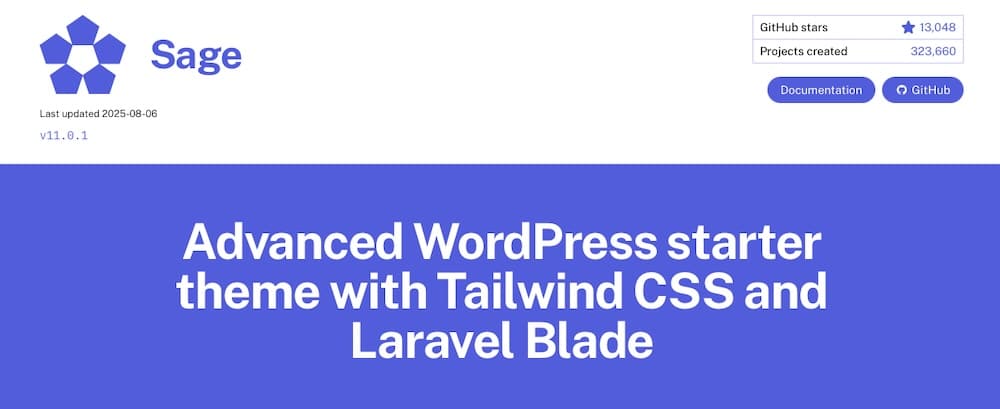
Agencies using Sage often pair it with Bedrock, a WordPress boilerplate that supports dependency management through Composer, secure configuration via environment files, and a more predictable folder structure.
Together, Sage and Bedrock offer a professional-grade WordPress setup that’s easy to maintain, deploy, and scale.
For plugin development, many of these same teams rely on scaffolding tools like the WordPress Plugin Boilerplate. It provides a clean, organized structure for building plugins with best practices built in, which is ideal for teams creating reusable functionality across client sites.
Underscores (_s)
Not every project calls for full-blown frameworks. For agencies that need a clean slate, without opinionated structures or heavy tooling, _s (Underscores) is still a go-to starter theme.

Developed by Automattic, _s offers just enough of a foundation to jumpstart a custom build, with well-commented code and WordPress best practices throughout.
It’s especially useful for smaller sites, quick turnarounds, or clients with highly specific design systems where minimal theme bloat is a must.
Custom internal frameworks
As agencies grow, many evolve their own internal systems with custom base themes, component libraries, and plugin frameworks designed to match their workflow and branding. These setups often include:
These internal frameworks aren’t just about efficiency. They’re part of how agencies deliver consistent quality, reduce technical debt, and differentiate their offerings in a competitive space.
Collaborating with clients and managing retainers
Tools and code matter, but strong client relationships keep agencies thriving. In retainer models, it’s all about clear communication, transparency, and long-term value, and the right client-facing tools make that easier.
Project management: Clarity across the board
Agencies use tools like Trello, ClickUp, and Asana to manage tasks, track progress, and keep clients in the loop, no endless email threads needed. ClickUp offers an all-in-one workspace, while Trello’s simple Kanban style is great for smaller teams and visual workflows.
Tools that keep clients in the loop
Staging environments, especially through MyKinsta, are essential for agencies. Every Kinsta site includes one by default, making it easy to preview features and run quality assurance without touching the live site.
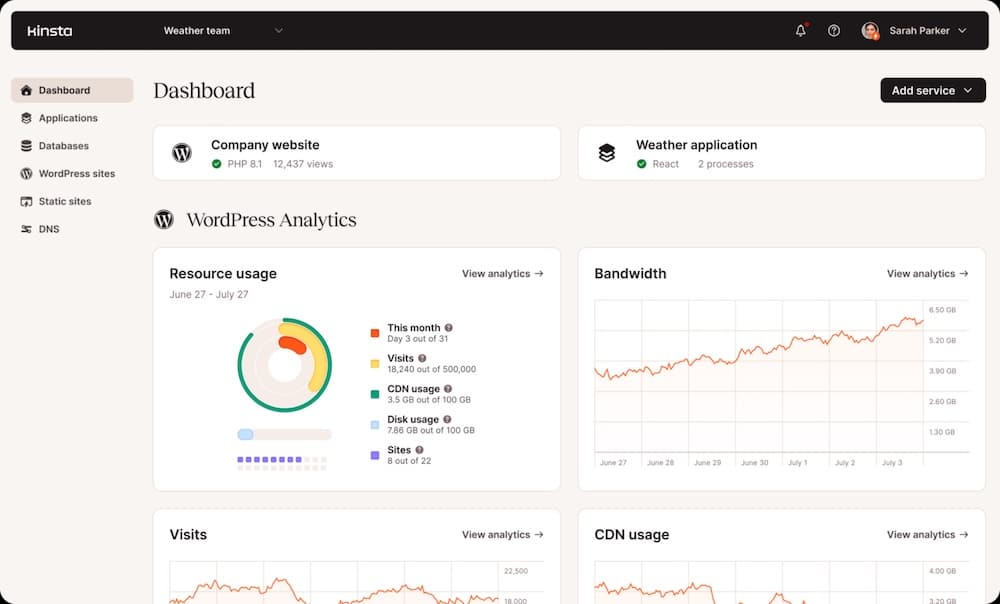
Many agencies also offer client dashboards with uptime, update logs, security scans, backups, and analytics. Monthly reports via PDF or live view summarize work done and reinforce the value of ongoing support.
Support systems for high-touch clients
For high-need clients, fast and direct support matters. Some agencies use tools like Help Scout or Zendesk, while others offer shared Slack channels for real-time communication and quick approvals. These systems keep response times low, build trust, and support clients without overwhelming the team.
Automation and quality assurance
As agencies scale, automation becomes essential. It keeps code reliable, catches issues early, and builds trust, so your team can focus on real work.
Automated testing catches issues before they go live
For custom plugins and themes, automated testing is key. Unit tests check functionality, while regression tests catch breakages from new updates. Some agencies use TDD or visual testing to catch layout issues. Even basic smoke tests help spot problems before they reach staging or production.
CI/CD tools
Continuous integration and continuous deployment (CI/CD) tools handle the heavy lifting when it’s time to push changes live. Platforms like GitHub Actions, Bitbucket Pipelines, and Buddy can automatically:
- Run tests
- Compile assets (JS, SCSS, etc.)
- Deploy to staging or production
- Clear cache and notify your team when builds are complete
These workflows can be triggered by pull request merges or even on a schedule, keeping your deployments consistent, repeatable, and less prone to human error.
Agencies often pair these tools with the Kinsta API to automate tasks like pushing updates to staging or clearing server-level cache after a deployment. It’s a hands-off way to make sure every release follows the same reliable steps.
Browser testing
Designing for a single screen size or browser isn’t enough. Clients expect their sites to look flawless on everything from iPhones to 4K monitors across all major browsers. So, it’s a wise idea to use automated browser testing tools.
Platforms like Ghost Inspector, BrowserStack, and LambdaTest let agencies run scripted visual tests across dozens of devices and browser combinations. You can schedule nightly runs that automatically:
This type of testing helps agencies catch subtle issues, such as a broken sticky header on Safari or a JavaScript conflict on older Android phones, before site visitors notice them.
Hosting partnerships that support the stack
Even the best tech stack needs a solid foundation. And for WordPress agencies, that means reliable, high-performance hosting.
But the right host is more than just a place to park a website. It’s a partner that supports development workflows, simplifies management, and helps deliver better outcomes for clients.
Kinsta is built for agencies that build for others
Kinsta is a solid hosting provider, but it exists as a part of the stack, too. Agencies that work with Kinsta get access to a suite of tools that support every stage of the development lifecycle, from local prototyping to live production.
A few highlights that make Kinsta a standout:
- DevKinsta: A full-featured local development suite that integrates seamlessly with Kinsta hosting, letting agencies build and test locally before pushing to staging.
- Staging environments: Every site hosted on Kinsta includes a one-click staging setup, perfect for testing updates, gathering client feedback, or previewing new features.
- Cloudflare-powered CDN: Every Kinsta site benefits from a global content delivery network with edge caching and DDoS protection, no configuration needed.
- Application and database hosting: Ideal for headless or hybrid builds where the WordPress front end connects to custom APIs or external services.
- MyKinsta dashboard: A centralized command center where agencies can manage multiple client sites, view performance analytics, set user roles and access levels, and handle site-level tasks without jumping between logins.
Great hosting helps developers keep clients happy with faster sites, better uptime, and fewer issues. Including Kinsta in your care plans means delivering peace of mind along with whatever deliverable you’ve been contracted to create. It also creates a recurring revenue stream, letting agencies resell hosting as part of a full-service bundle backed by reliable infrastructure.
Bonus tools to tie it all together
Frameworks, design tools, and deployment pipelines handle the core of agency development but it’s the behind-the-scenes tools that keep projects running on time and invoices getting paid.
These aren’t flashy, but they’re essential for delivering a professional, high-performing client experience.
Time tracking and invoicing
Accurate time tracking and billing are vital for agencies. Tools like Harvest, Toggl, and Elorus help log hours, manage retainers, and generate branded invoices.
Harvest integrates smoothly with project tools and Slack, while Elorus adds features like recurring invoicing and expense tracking, ideal for long-term or multi-project clients.
Internal documentation: One source of truth
Documentation tools like Notion and Confluence help agencies stay organized, track client details, and onboard new team members efficiently.
Notion is great for flexible, custom setups, while Confluence suits larger or more technical teams, especially those already using Atlassian tools.
Slack integrations
Slack is more than just for chatting. It’s your agency’s command center. With the right integrations, teams get instant alerts for GitHub commits, deployments, support tickets, or client form submissions, which keeps everyone in the loop without switching tools.
Form and content automation
Automating WordPress with tools like CRMs or email platforms makes it easier to sync. Pair Gravity Forms with Uncanny Automator, WP Fusion, or Make.com to trigger workflows, sync user data, or alert your team instantly. This saves time, cuts down on errors, and improves the client experience.
Summary
Running a modern WordPress agency takes more than clean code and great design. It also takes a reliable stack that supports teamwork, speeds up delivery, and scales with your clients. From DevKinsta and automated deployments to browser testing and client communication, every piece helps deliver consistent, high-quality work.
Kinsta makes it all possible. With one-click staging, Cloudflare CDN, headless-ready hosting, and MyKinsta for site management, it’s a hosting provider that directly improves your workflow.
Whether you’re refining your stack or building it from scratch, the right tools and partners make all the difference. Explore Kinsta’s agency hosting solutions and see how better infrastructure delivers better results.

Kinsta
Senior Editor at Kinsta, WordPress Web Developer, and Content Writer. Outside of all things WordPress, I enjoy the beach, golf, and movies. I also have tall people problems.


