

Page builders changed what’s possible for non-developers in WordPress. Before they existed, customizing page layouts meant editing PHP templates and writing pages of CSS. Now, drag-and-drop interfaces let anyone build professional pages without touching code.
I have used page builders across dozens of client projects over the years. The difference between a good page builder and a mediocre one shows up in build speed, long-term maintainability, and how often you hit walls that require workarounds. The wrong choice means fighting your tools instead of building.
The builders below represent the best options based on my experience. Each serves a distinct workflow, and I have noted where each excels so you can match your needs to the right tool.
Best WordPress Page Builders
There are certainly many options out there for you to consider. Here, I offer a few opinions, along with videos and images for each page builder, to help you decide.
1. Divi 5
Divi is a complete website building system for WordPress and is one of the best page building experiences. Newly improved, Divi 5 is a ground-up rebuild of the entire theme and visual builder. It is one of the most modern editing environments you could hope to have in a WordPress page builder.
Divi includes dozens of modules to build any page, including forms, carousels, Instagram galleries, pricing tables, SVGs, countdown timers, and more. Each module comes with a full arsenal of styling options for typography, spacing, borders, backgrounds, filters, and animations. These styling options are built directly into the builder and do not require custom CSS (though it supports using it if you like).
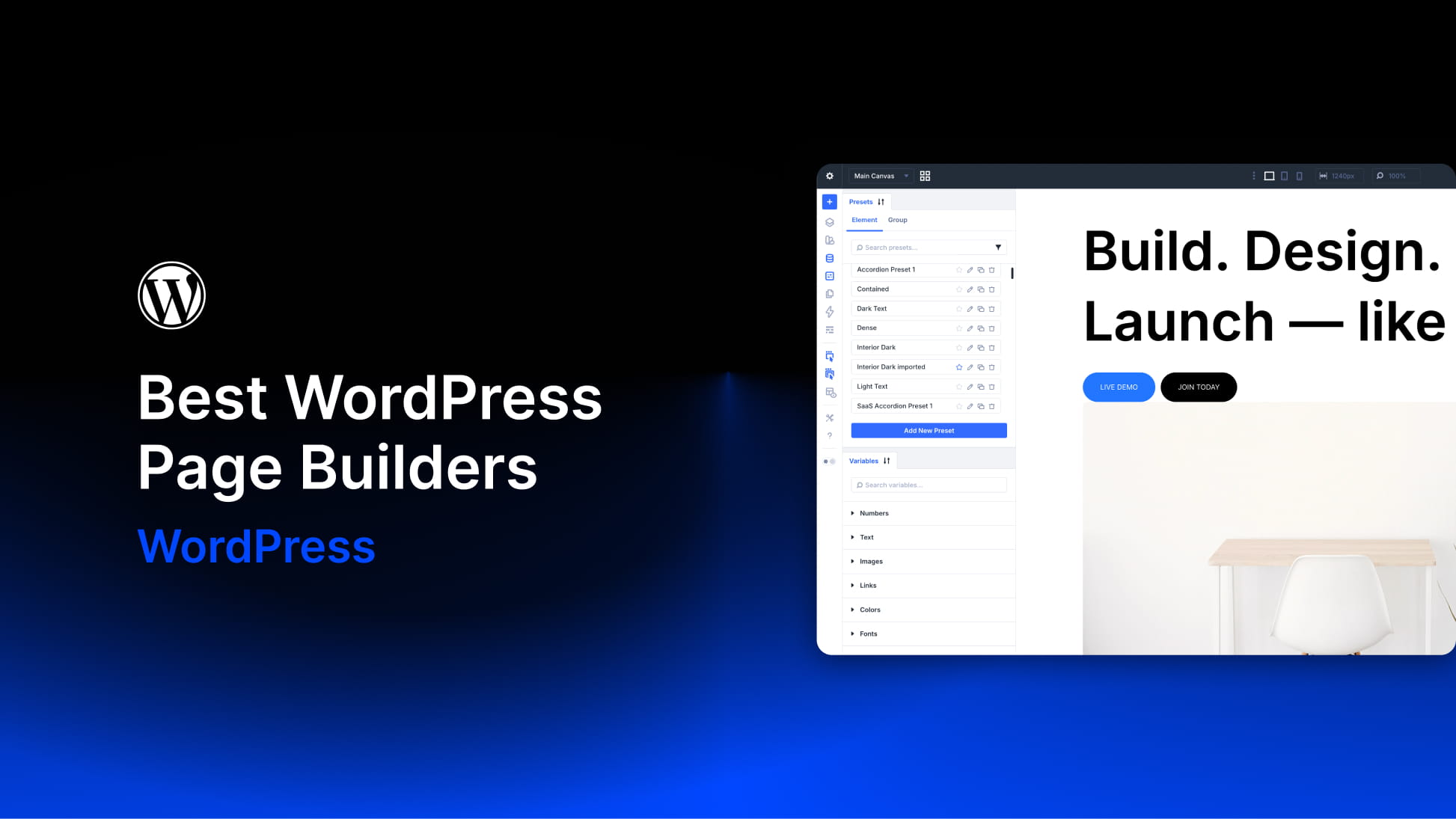
Divi’s Preset system is what pulls it ahead of other builders. Instead of managing scattered global styles or writing CSS class styles in separate style sheets (or purchasing an expensive CSS framework), you build reusable style configurations right inside the visual editor. Presets are the visual designer’s version of a class-based design system, and they’re easy to set up and apply across your on-page elements. Presets can target entire modules or specific option groups (such as typography or spacing), and they can be stacked or nested to create a flexible design system.
Design Variables complement Presets by storing reusable values for colors, fonts, numbers (including clamp, min/max, and calc functions), URLs, and images. Change a color variable once, and every element using it updates instantly. Again, this is an in-editor way to create design tokens/variables that circumvent the need to create a CSS stylesheet.
The layout system handles Flex and Grid with prebuilt structures you can apply in two clicks. You can change a container’s structure easily, and at different break points assign different rules for it to behave by.
Divi’s theme builder uses a template system where each template contains header, footer, and body areas (called the Theme Builder). Conditions control which pages, posts, categories, or custom post types each template applies to. You can see all templates and their assignments in one view, making site architecture easy to manage.
The Loop Builder handles custom post queries with filtering by post type, category, tag, author, date range, and custom fields. You design loop items directly on the page rather than in a separate template library. Imagine building a staff directory in 15 minutes—all dynamic content fields would pull in post titles, featured images, excerpts, custom fields, and taxonomy terms directly into your design in the page builder.
Key Features
- 70+ native modules covering forms, sliders, galleries, pricing tables, and more
- Preset-first design system for consistent, reusable styling without CSS
- Design Variables for global colors, fonts, spacing, and calculated values
- Integrated theme builder for headers, footers, and archive templates
- Loop builder for custom post queries with conditional visibility
- Native Flex and Grid layouts with prebuilt structures
- Off-canvas builder for slide-out menus and popups
- 25+ WooCommerce modules for product pages, carts, and checkouts
- Dozens of starter sites and 2,000+ premade layouts
Best For: Agencies and freelancers who build multiple client sites. The lifetime license with unlimited site usage means your per-project cost approaches zero over time. Business owners who want to manage their own updates will appreciate that pages and templates use the same interface. The Preset system particularly suits designers who want Figma-like workflow efficiency.
Pricing: $89/year or $249 lifetime for unlimited sites. Compare that to Elementor’s $399/year for unlimited sites with no lifetime option, or Bricks’ $599 lifetime.
2. Elementor
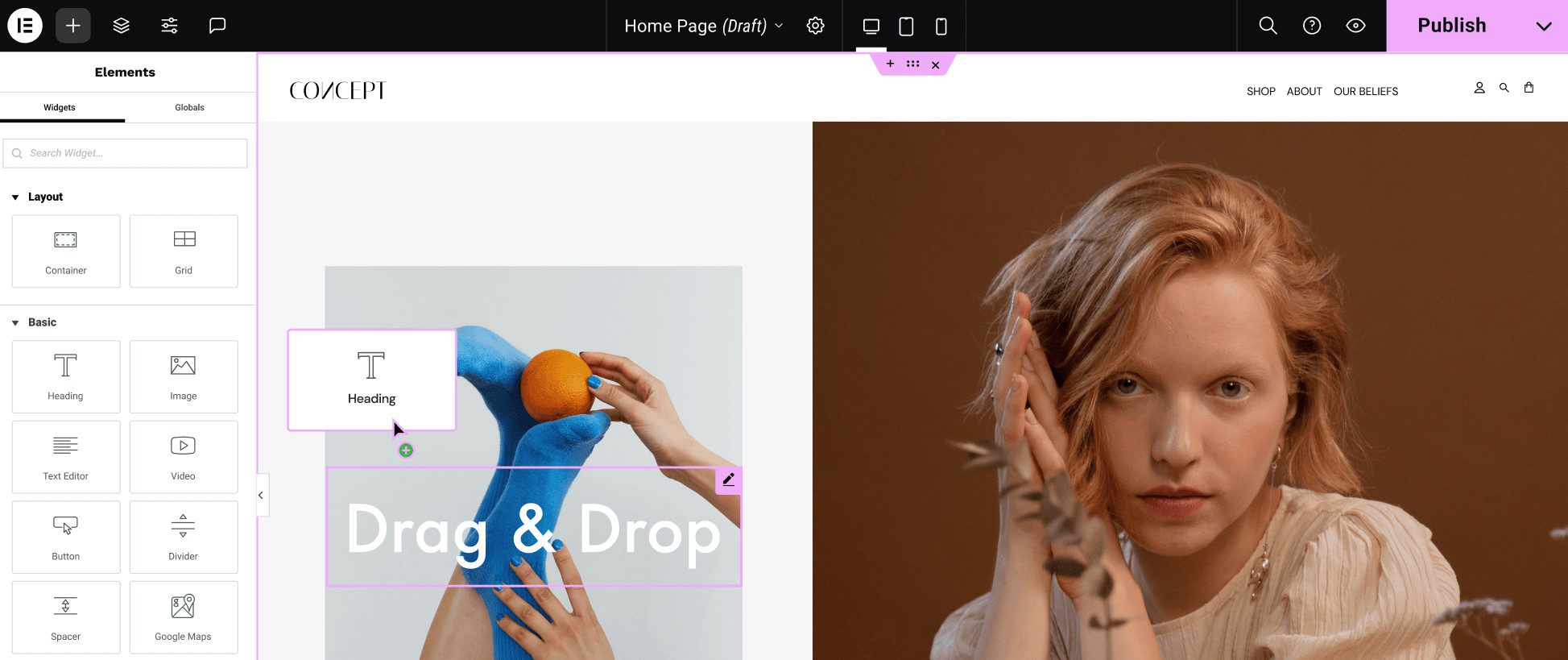
Elementor is a plugin-based page builder that requires a separate theme (most users pair it with Hello Elementor, their minimal starter theme, or a premium theme). It has the largest market share among WordPress page builders, which means abundant tutorials, third-party add-ons, and community support. The visual builder, like most page builders, updates in real time so you can see what you are building. The widget library includes 100+ elements covering text, images, buttons, forms, sliders, and interactive components.
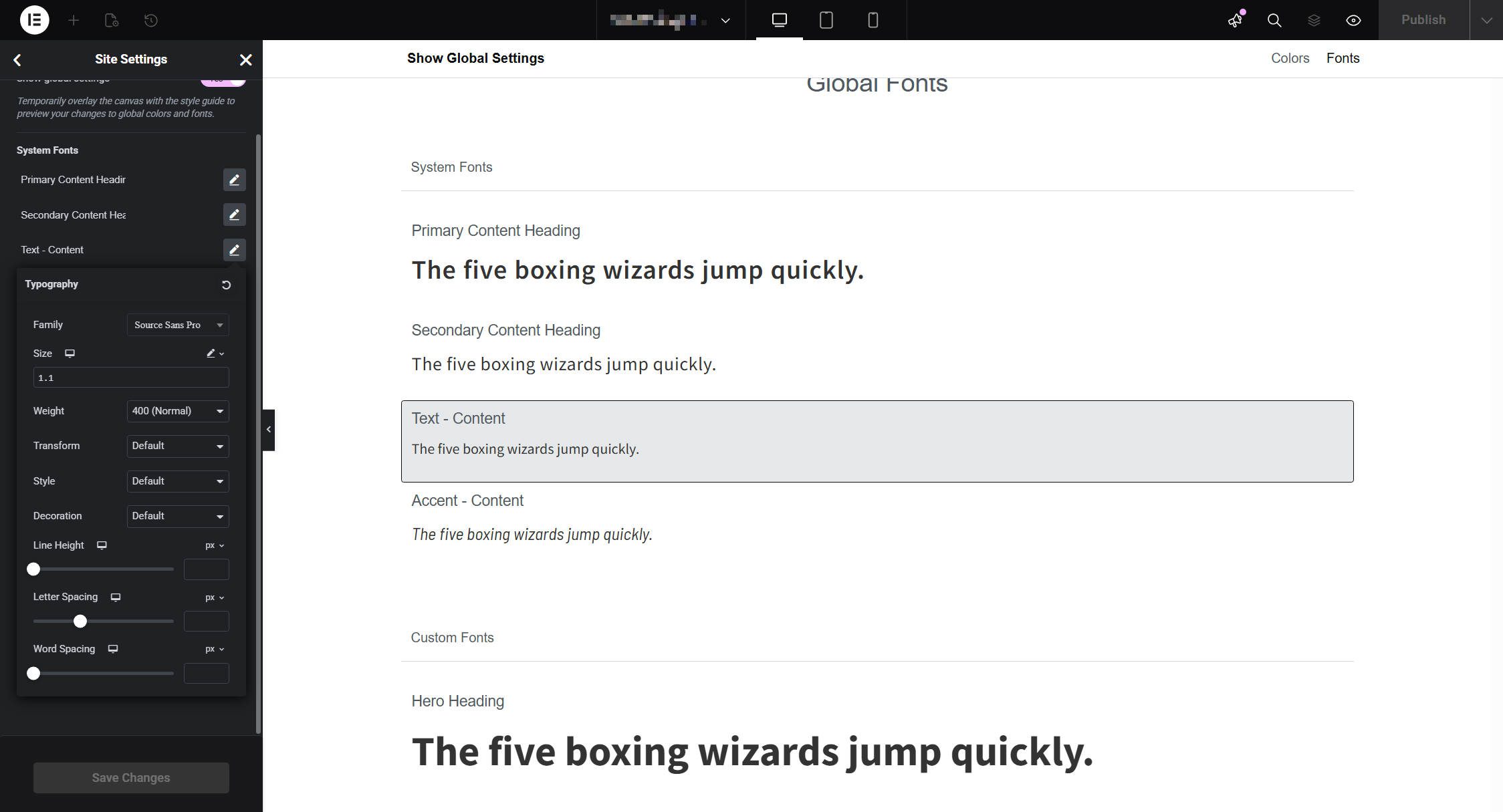
Global styles in Elementor handle colors and typography through a site settings panel. You define color palettes and font families, then apply them across widgets. The system works, but feels dated compared to Divi’s Presets. Changes require navigating to site settings rather than editing in context, and the options lack the granularity of a true design system.
Theme building in Elementor Pro uses display conditions to target post types, taxonomies, specific posts, archives, and WooCommerce pages. Conditions support AND/OR logic with include/exclude rules. However, there is no unified view of all template assignments. You have to check each template individually, which becomes cumbersome on complex sites.
The Loop Builder creates custom post displays with filtering by post type, taxonomy, date, author, and custom fields. However, you design loop items as separate templates in the template library, then insert them into pages via a Loop Grid widget. This means extra page loads and context switching compared to builders that let you design loops directly on the page.

Dynamic tags insert post data, site information, ACF fields, and WooCommerce product data into widget settings. The implementation supports before/after text and fallback values. WooCommerce support includes dedicated product widgets and template types for shop, product, cart, checkout, and account pages.
One consideration: Elementor v4 is on the horizon, introducing a completely different class-based styling mechanism. This will require relearning parts of the builder, even if you are proficient with the current version. The new approach resembles Divi 5’s Preset system, which suggests the industry is moving in that direction.
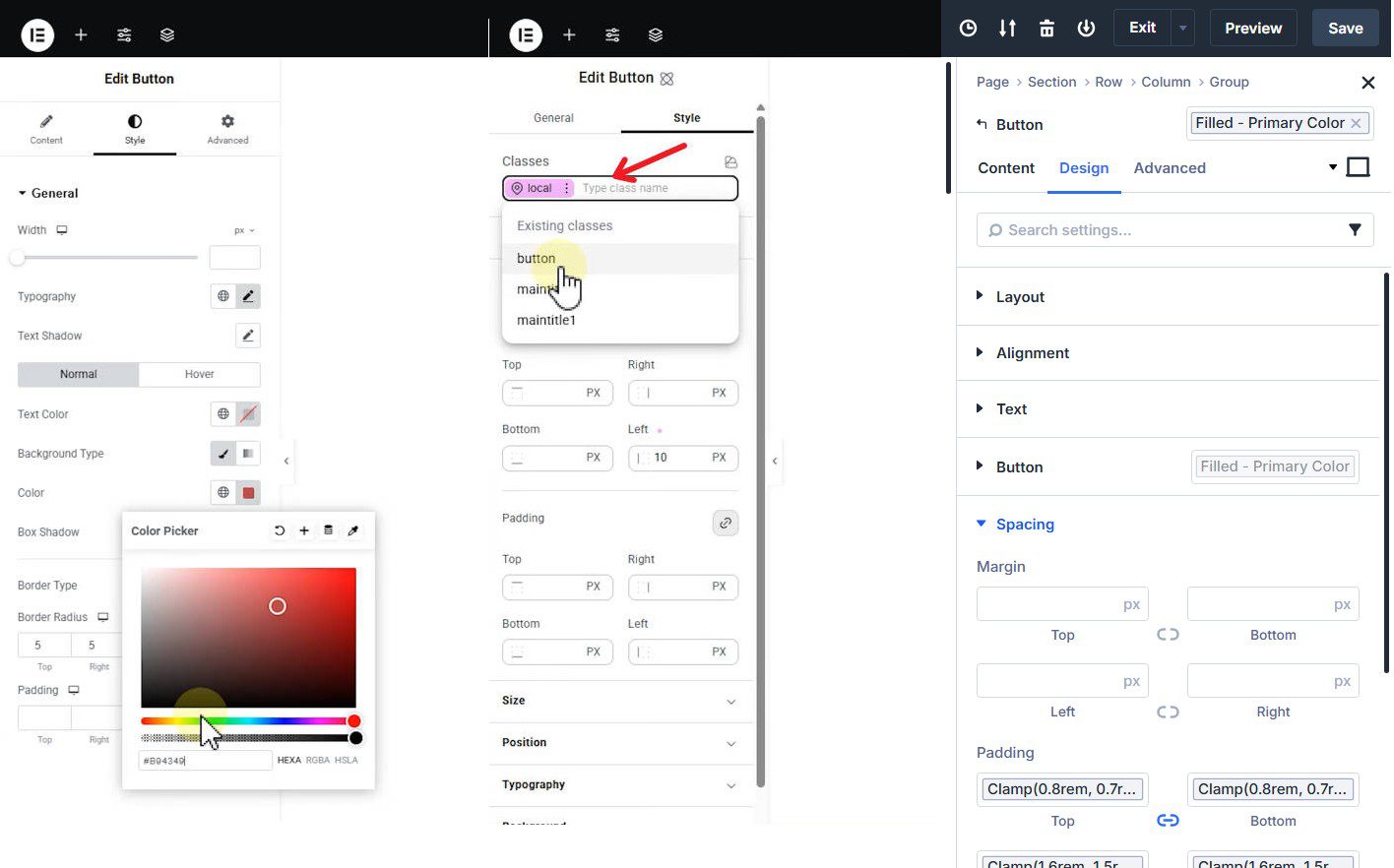
Elementor’s coming V4 update (center) introduces class-based styling similar to Divi 5 (right), compared to Elementor now (left)
Key Features
- 100+ widgets with deep styling controls
- Theme builder for headers, footers, and archives (Pro only)
- 300+ premade templates and starter sites
- Loop builder for custom queries (requires separate template creation)
- WooCommerce integration with dedicated product widgets
- Dynamic tags for ACF, Pods, Toolset, and native fields
- Largest third-party add-on ecosystem in WordPress
Best For: Users who want maximum third-party integration options and access to the largest community of tutorials and resources. Elementor makes sense if you need a specific add-on that only works with its ecosystem, or if your team is already trained on it.
Pricing: Free version available, but limited. Pro starts at $59/year for one site, but the full theme builder requires the $99/year plan (3 sites). Agency plan runs $399/year for 1,000 sites. No lifetime option available.
3. Beaver Builder
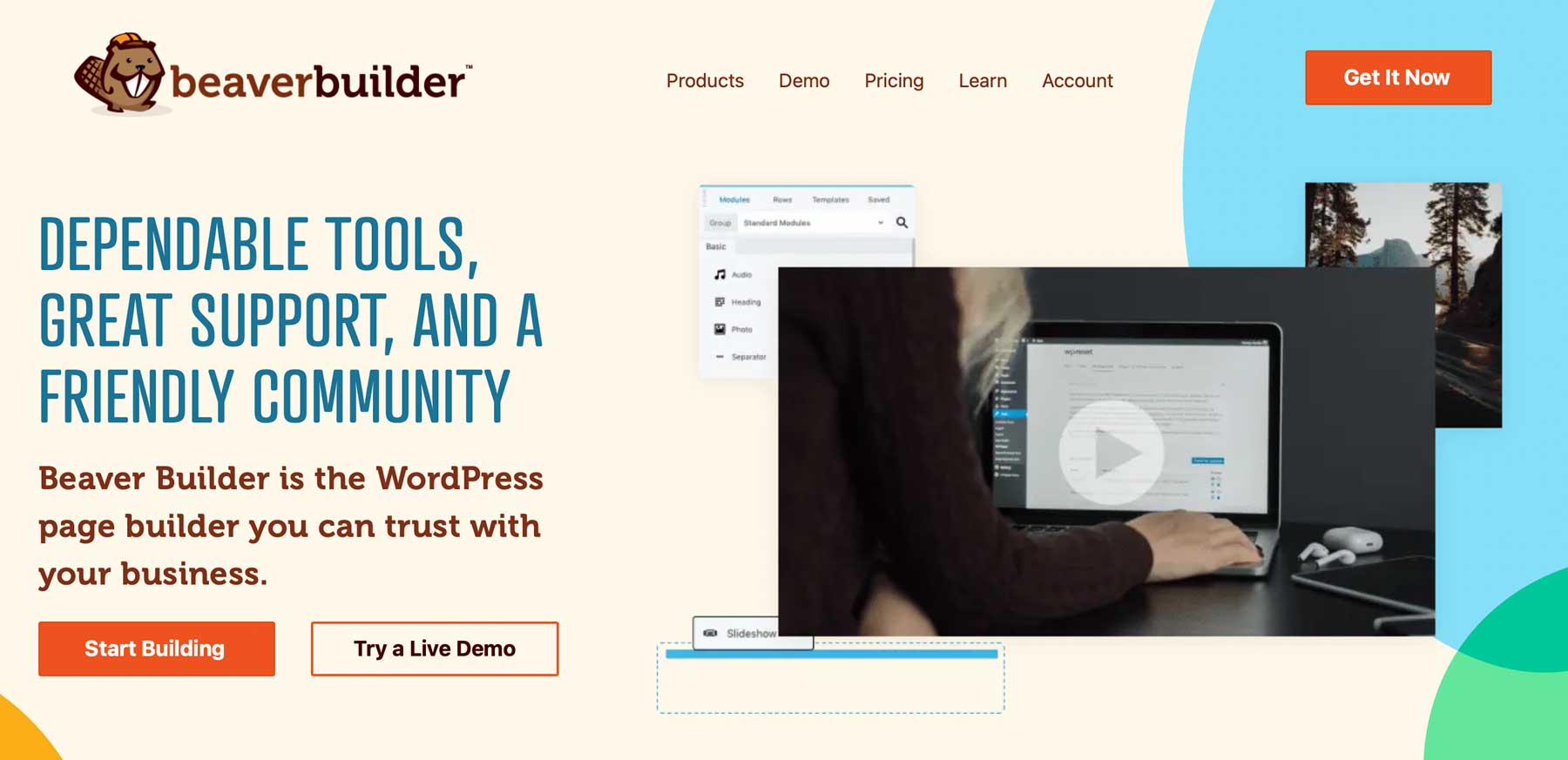
Beaver Builder has built a reputation for stability and reliability over professional features. It is primary a page builder plugin, but also has a separate Theme that you can use with it.
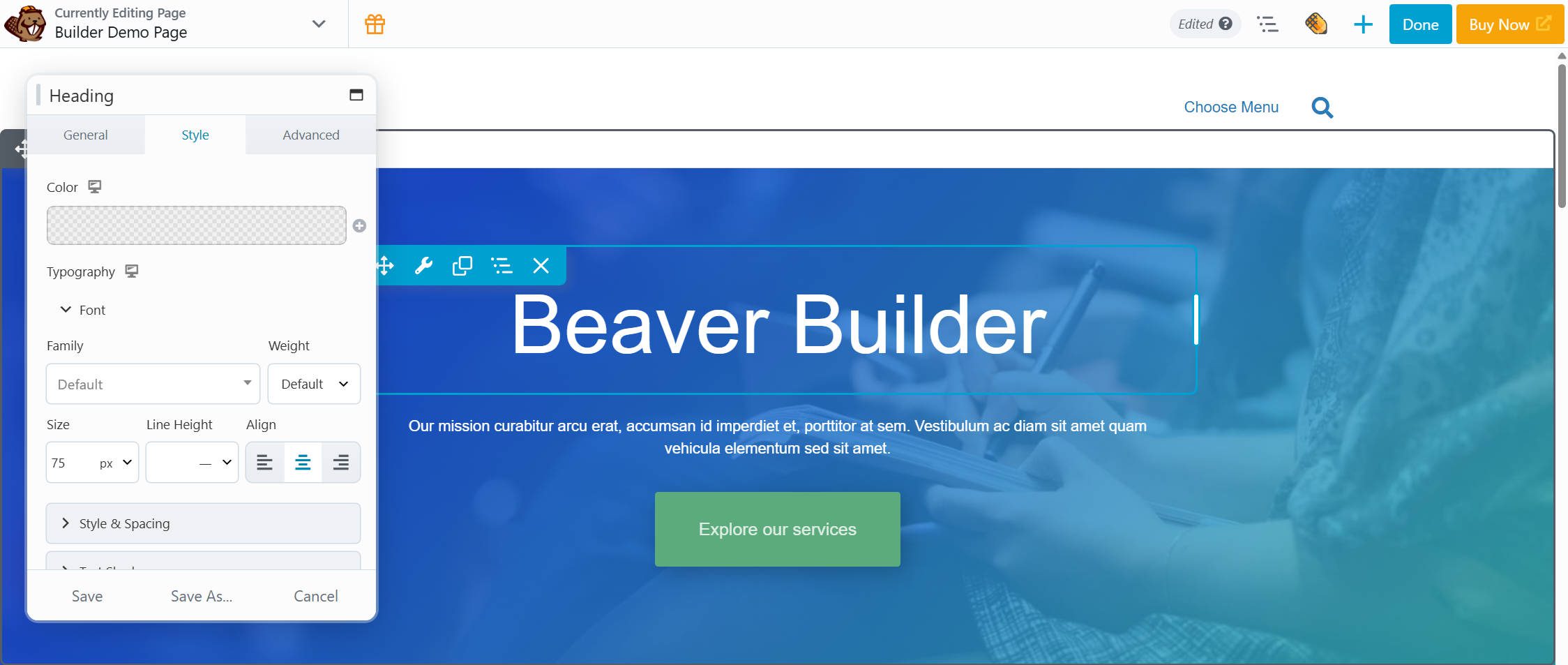
Beaver Builder feels more like Divi 4 and WP Bakery vs. Divi 5 or Bricks
The drag-and-drop interface is clean and intuitive. You add modules from a panel, drag them onto the canvas, and configure settings in a pop-up modal. The approach is straightforward without the complexity that can overwhelm new users. What you see is what you get, and the learning curve is gentle. Beaver Builder feels like a better WP Bakery, but also not the best that is on offer today.
The module library covers essentials: text, images, buttons, galleries, sliders, forms, pricing tables, and more. The styling options are less comprehensive than Divi or Elementor, focusing on practical controls rather than exhaustive customization. This constraint keeps the interface fast and prevents option paralysis, though power users may feel limited.
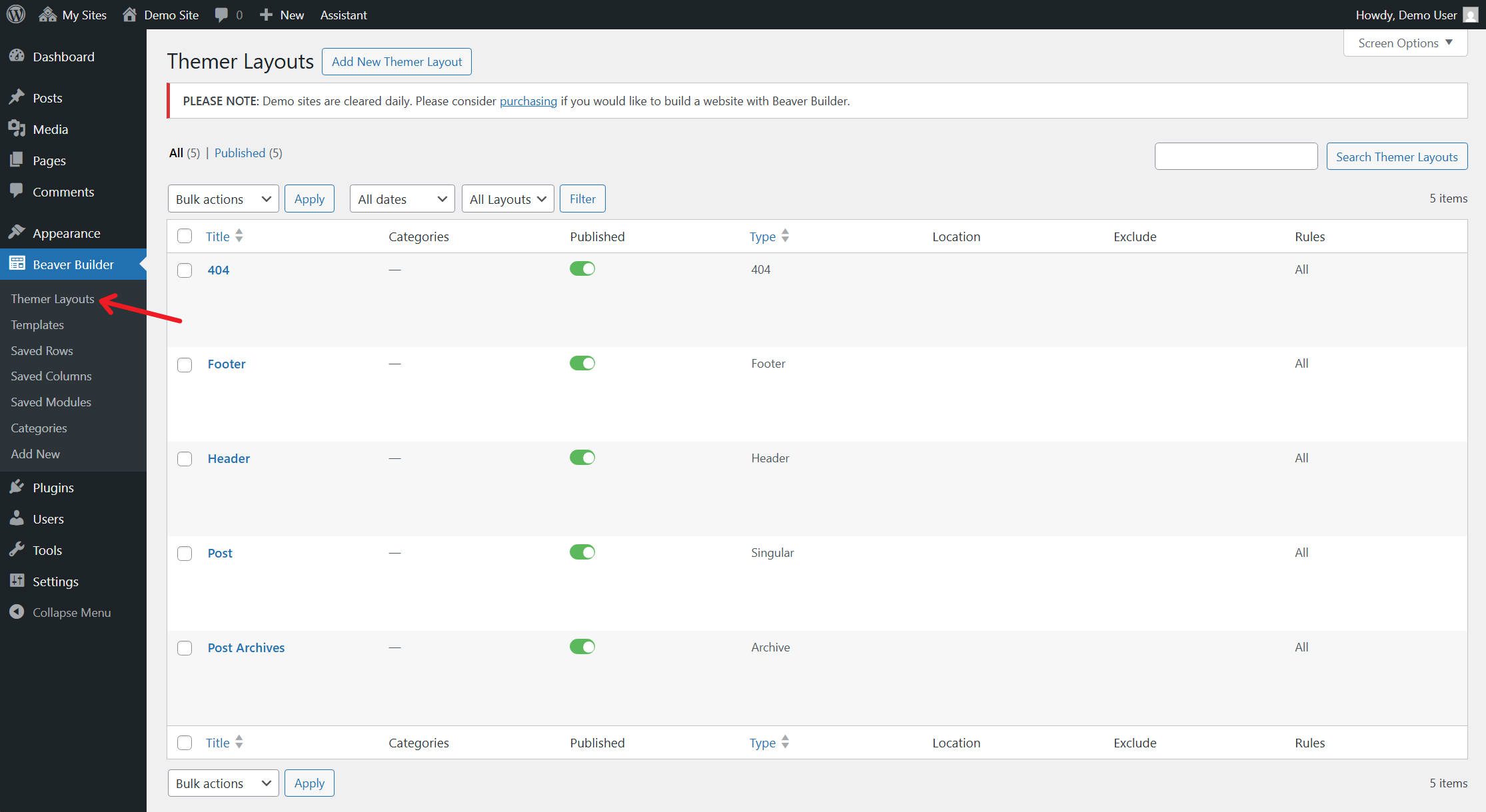
Theme building requires Beaver Themer, a separate add-on included only in the Pro and Agency tiers. With Themer, you can create custom headers, footers, archive templates, and singular templates with conditional logic. The implementation uses an older setup that isn’t as intuitive and modern as other Theme Builders.
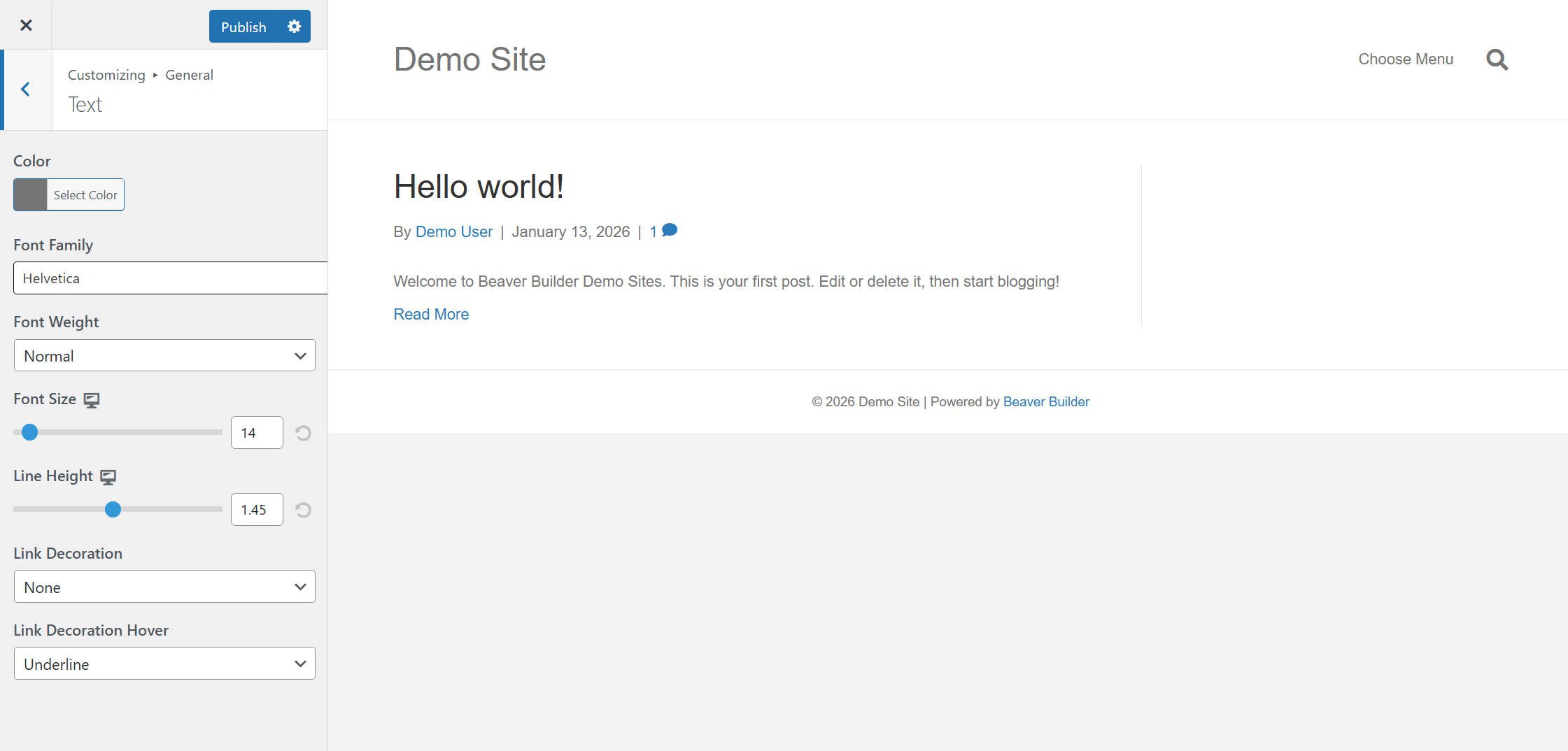
The Theme also relies heavily on the old Theme Customizer experience, which was dated even 3 years ago. In it, typography, headers, footers, and other styles can be set.
Key Features
- Stable, reliable codebase with minimal update issues
- Clean drag-and-drop interface with straightforward controls
- Works with any WordPress theme
- Beaver Themer add-on for headers, footers, and archive templates
- White labeling for client projects (Agency plan)
- Assistant Pro cloud storage for reusable layouts
- Clean code output with readable markup
Best For: Agencies that like a simpler builder that is still stable and has plenty of integrations. It’s not the best on this list, but it is better than average.
Pricing: Free lite version available. Standard plan (1 site) at $89/year. Higher tiers include more website usage, cloud storage, white-labeling, and multisite support for agency plans.
4. Bricks
Bricks targets developers and power users who want control over HTML output and prefer working close to CSS. The builder functions as a theme (like Divi), so you install it and get full-page building and theme-building capabilities without needing a separate theme. If you think in classes and CSS variables, Bricks gives you that access.
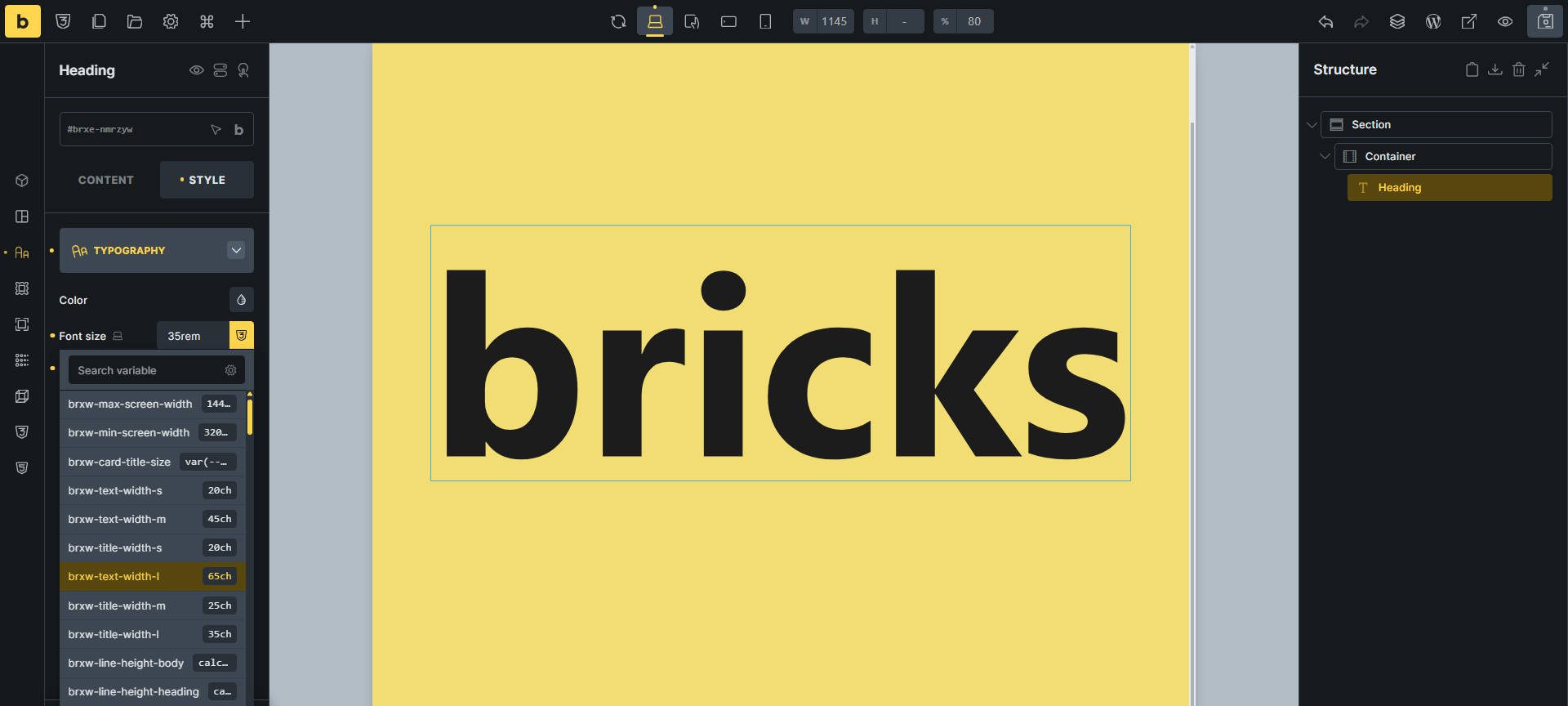
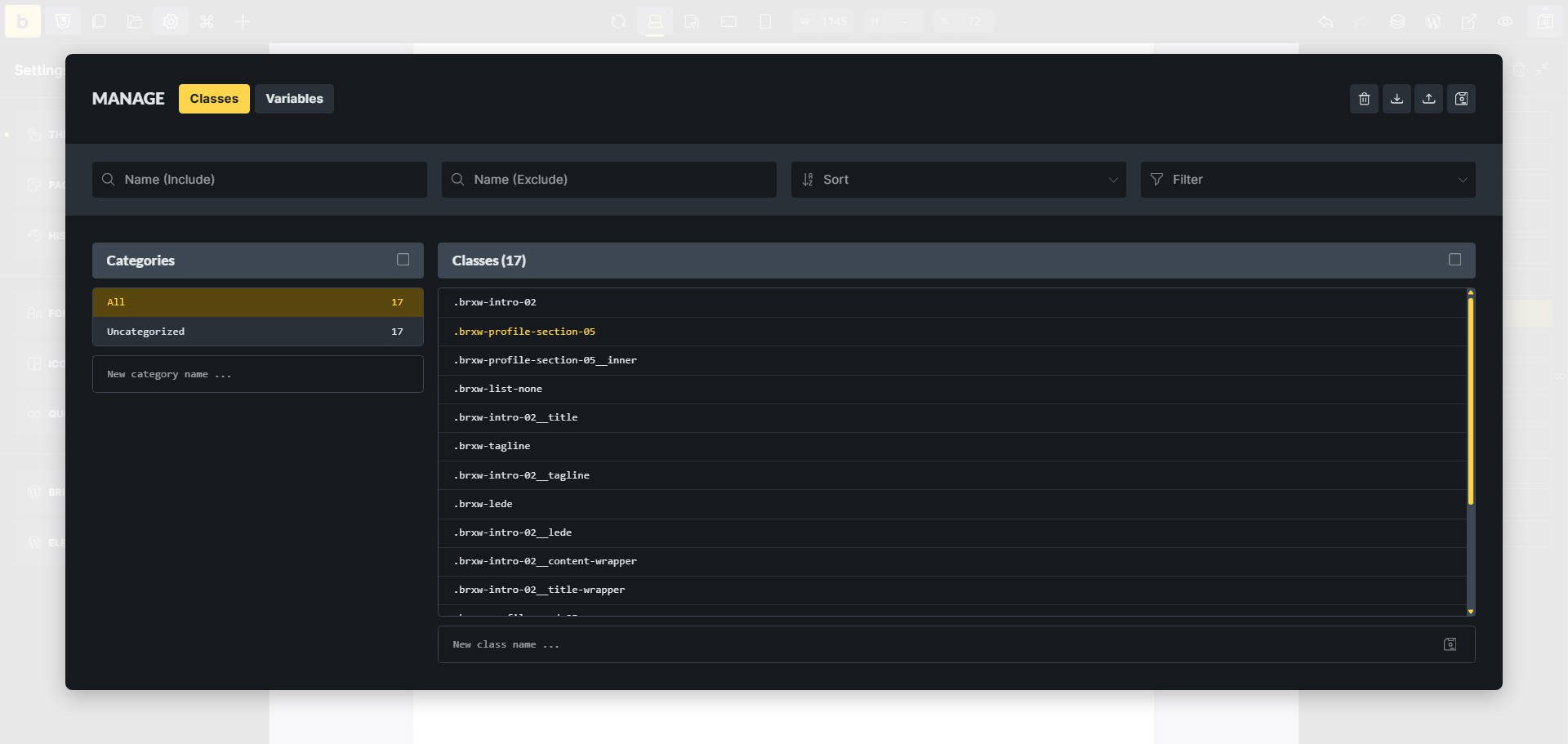
The global classes and variables system lets you define reusable styles that apply across elements. You create a class, configure its styles, and apply it to any element. Variables store colors, fonts, and spacing values for consistent use. This approach mirrors how developers work with CSS, making Bricks feel familiar to those with coding backgrounds.
Theme Styles provide another layer of global control, letting you set default styles for headings, body text, buttons, and form elements. You can apply conditions to target specific pages or post types. However, the nested menu structure requires multiple clicks to find specific settings, which feels less intuitive than Divi’s in-context Preset editing.
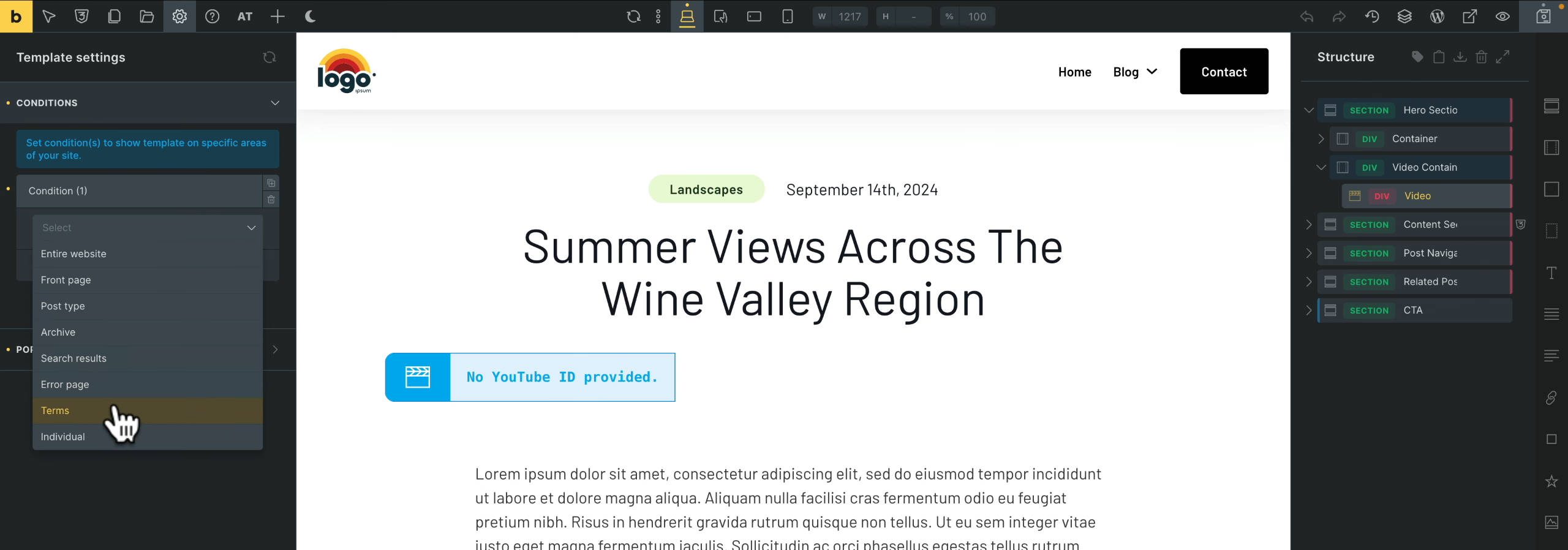
Template assignment uses conditions that rival Divi’s flexibility. You can target post types, taxonomies, specific posts, archives, author pages, search results, and WooCommerce templates. Conditions support AND/OR logic with includes and excludes, giving you precise control over where templates apply.
The query loop builder is among the most powerful available. You can filter by post type, taxonomy, meta fields with comparison operators, date ranges, author, and relationship fields from ACF or JetEngine. For complex CPT archives, filtered directories, or data-driven sites, Bricks handles queries that other builders cannot match.
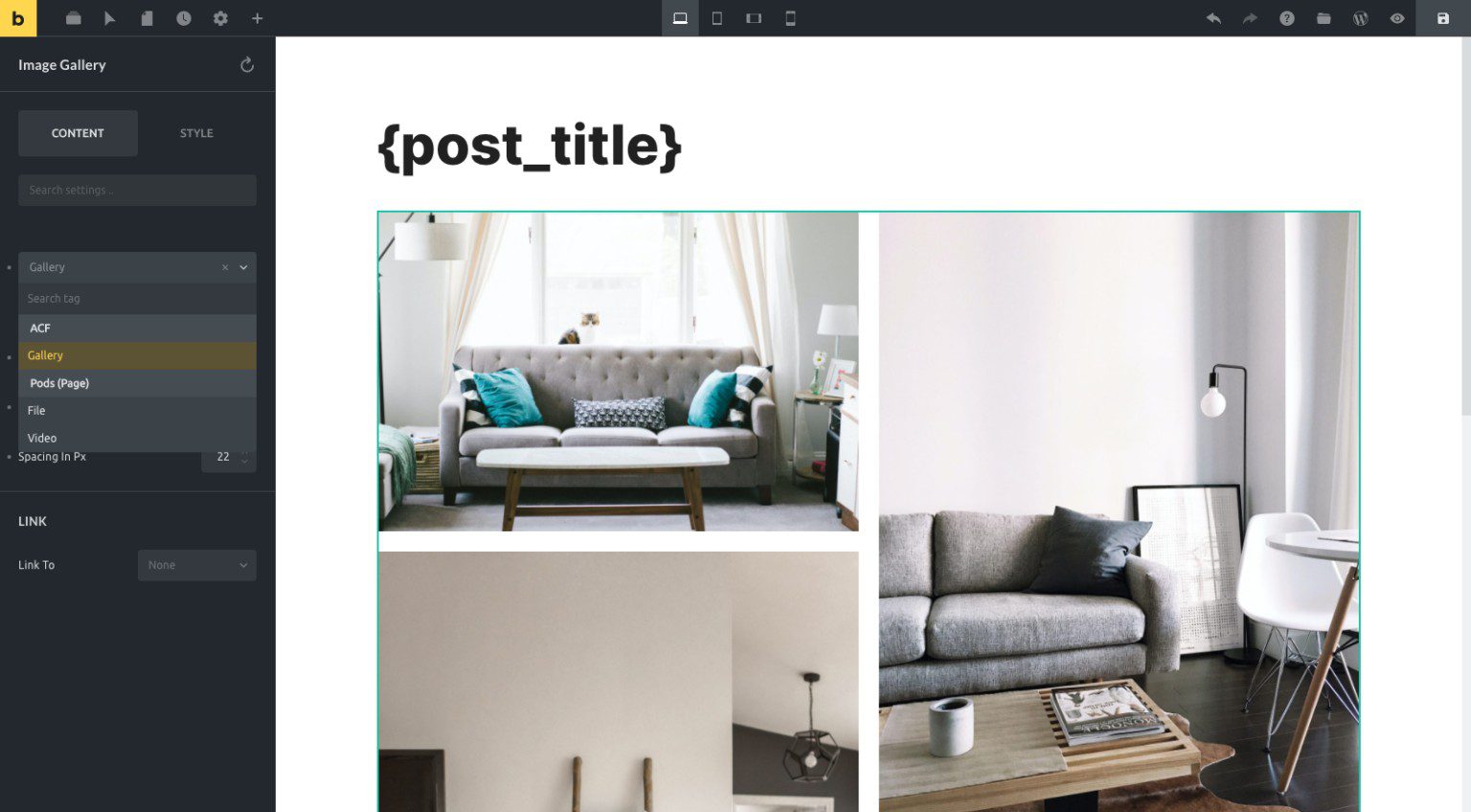
Dynamic data integration natively supports ACF, Meta Box, Pods, Toolset, and JetEngine. Dynamic tags are available across most settings, with options for before/after text, fallbacks, and formatting. If you build sites that pull content from custom post types and complex field relationships, Bricks handles it as well as any builder on this list.
The builder generates cleaner markup than most visual builders, resulting in faster page loads and easier custom CSS. However, many Bricks users supplement it with frameworks like ACSS or Core Framework, which suggests gaps in the native design system tooling compared to Divi’s Presets.
Key Features
- Clean HTML output with semantic markup
- Global classes and variables for CSS-like workflow
- Advanced query loop builder with meta field filtering
- Native support for ACF, Meta Box, Pods, Toolset, and JetEngine
- Full theme building included (headers, footers, archives)
- WooCommerce templates with dedicated elements
- Wireframe templates for rapid structure building
Best For: Developers and technical freelancers who prioritize code quality and need advanced dynamic data features (though there are better solutions that get you closer to your code, if that is where you place value). Bricks suits those who have adopted a CSS framework and work primarily through class-based styling. The learning curve is steeper, but the control is nearly unmatched.
Pricing: $79/year for one site, $249/year for unlimited sites, or $599 lifetime for unlimited sites. Divi’s lifetime at $249 is less than half the cost of comparable unlimited-usage plans.
5. Spectra
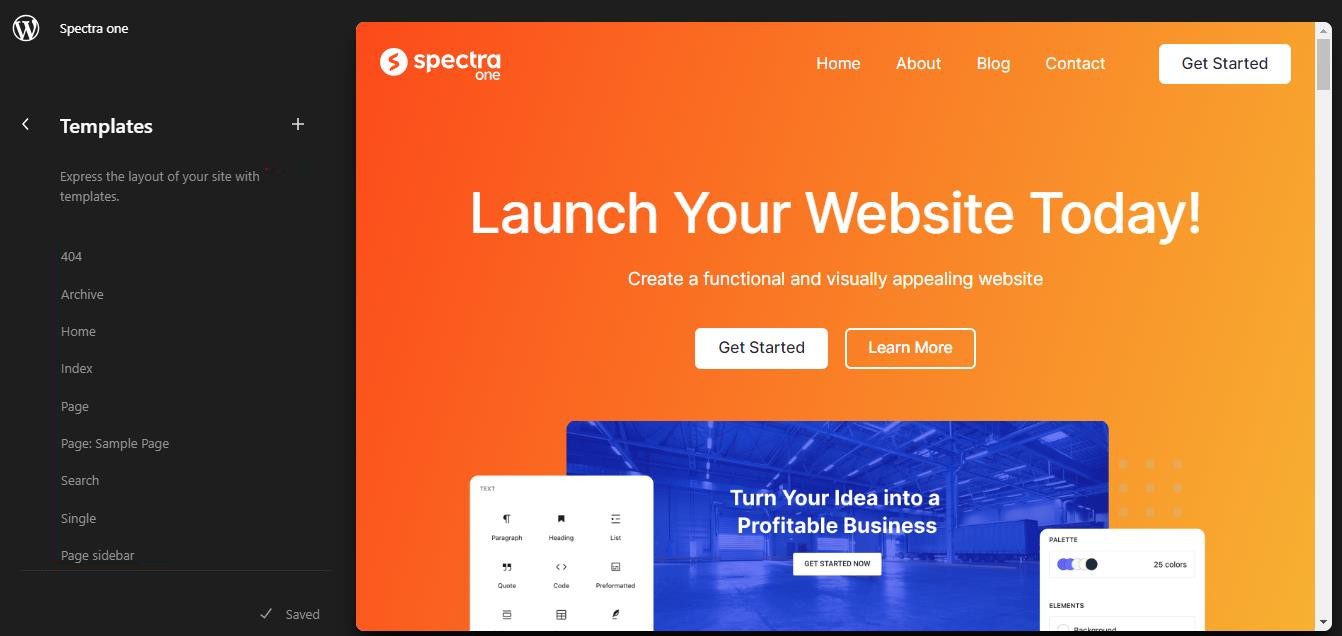
Spectra (formerly Ultimate Addons for Gutenberg) extends the native WordPress Block Editor with additional blocks and design options. If you prefer to stay within WordPress core rather than adopt a third-party builder, Spectra fills the gaps that make the Block Editor frustrating for serious page-building. Spectra is a page builder plugin, and when purchased at the Essential Toolkit tier, it comes with the Astra theme (lower tiers require a different theme).
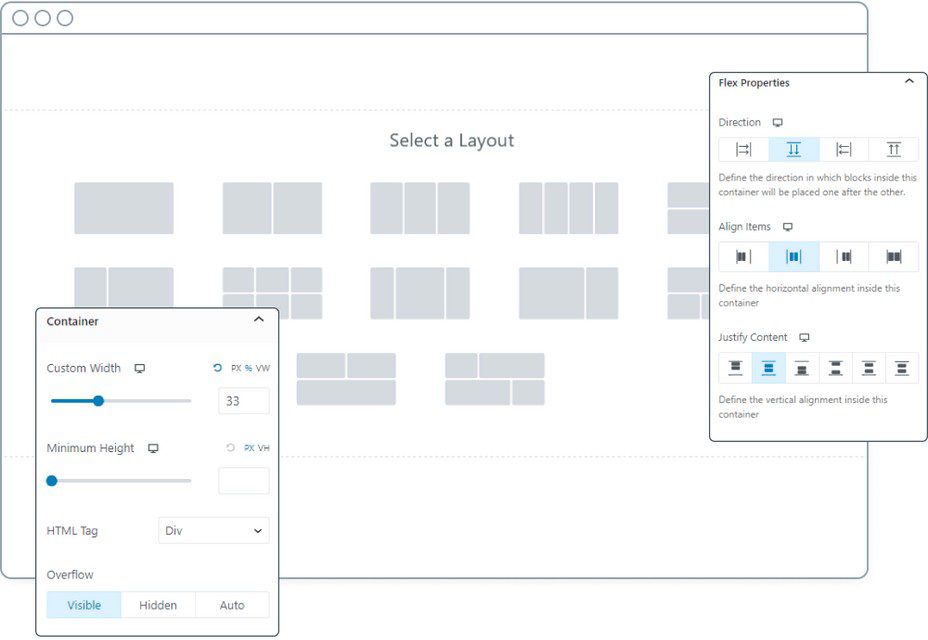
The plugin adds 30+ blocks for layouts, forms, pricing tables, testimonials, countdowns, and interactive elements that the native editor lacks. Container blocks support Flexbox and Grid layouts, giving you structural control that core WordPress does not provide. You can build complex page layouts without needing a full page builder.
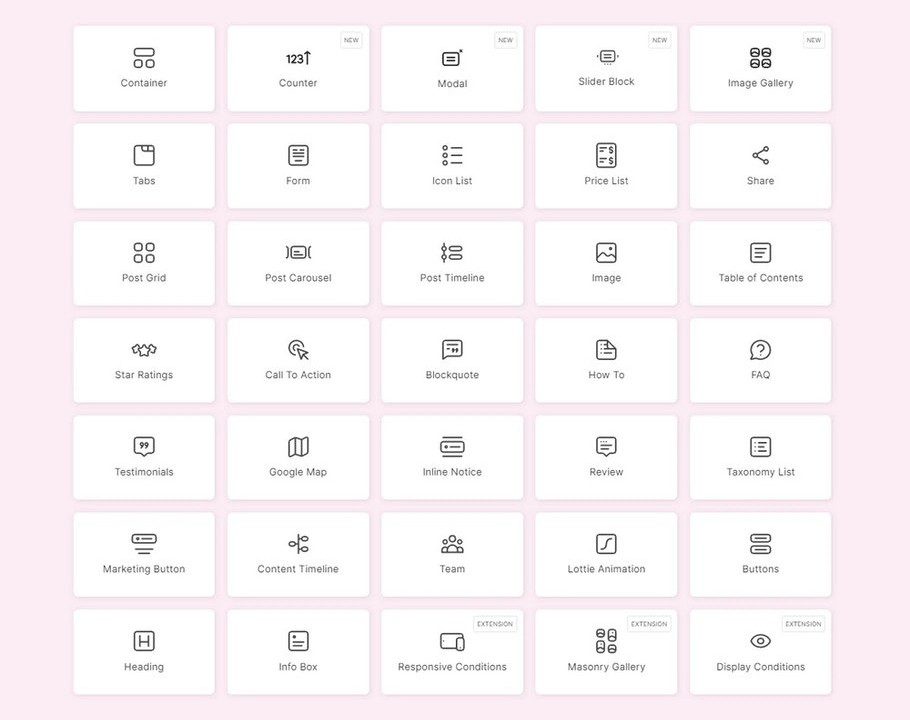
Design controls include granular spacing, typography settings, and responsive adjustments that give you finer control than core blocks. You can copy and paste styles between blocks, which speeds up repetitive styling tasks. The interface stays within the familiar Block Editor, so there is no separate builder to learn.
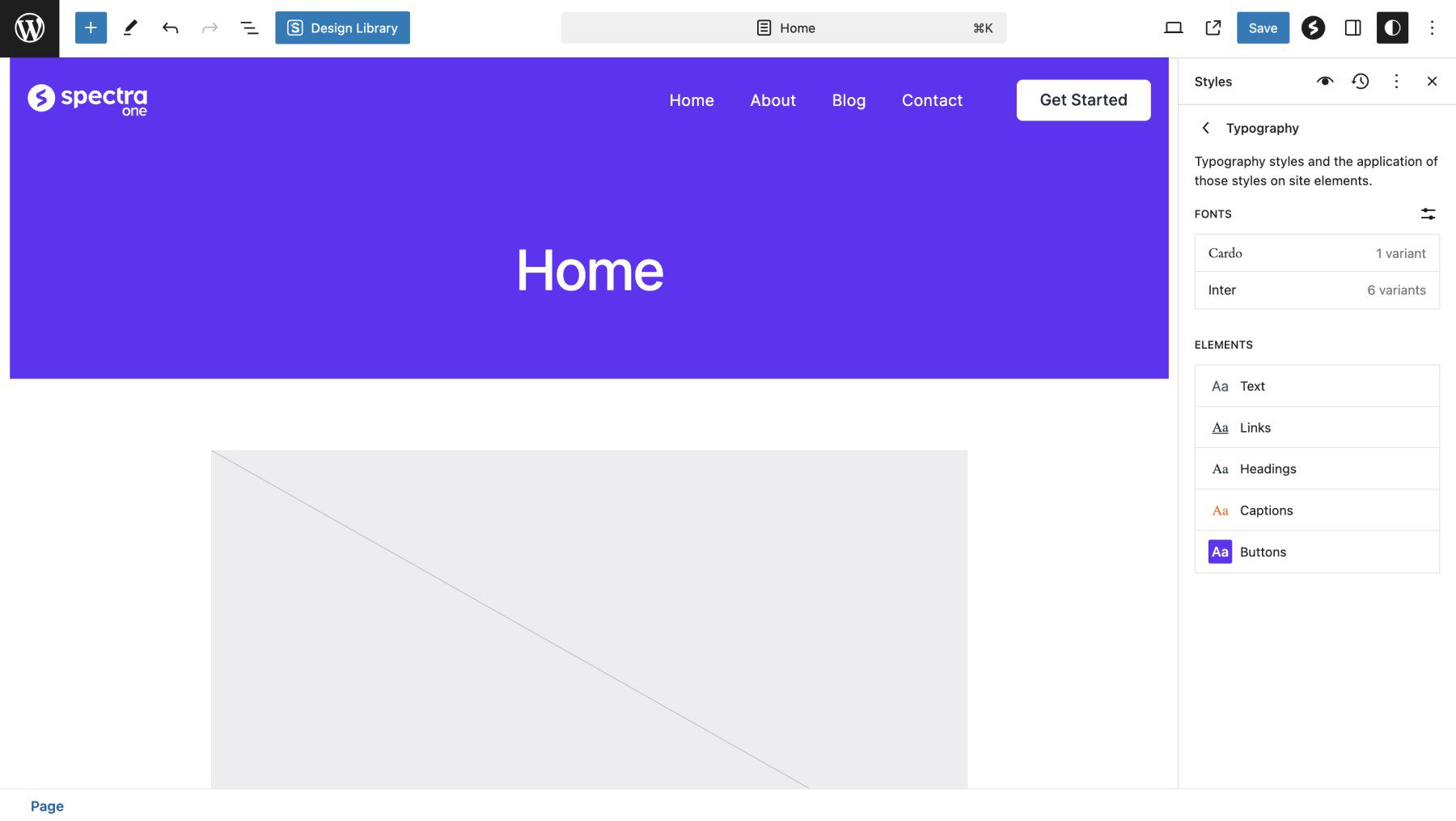
Spectra integrates with the Full Site Editor for template building. You can create custom headers, footers, and archive templates using Spectra blocks alongside core blocks. This keeps you within WordPress’ native tooling while significantly extending its capabilities. It also includes various prebuilt templates for you to get a quick start from.
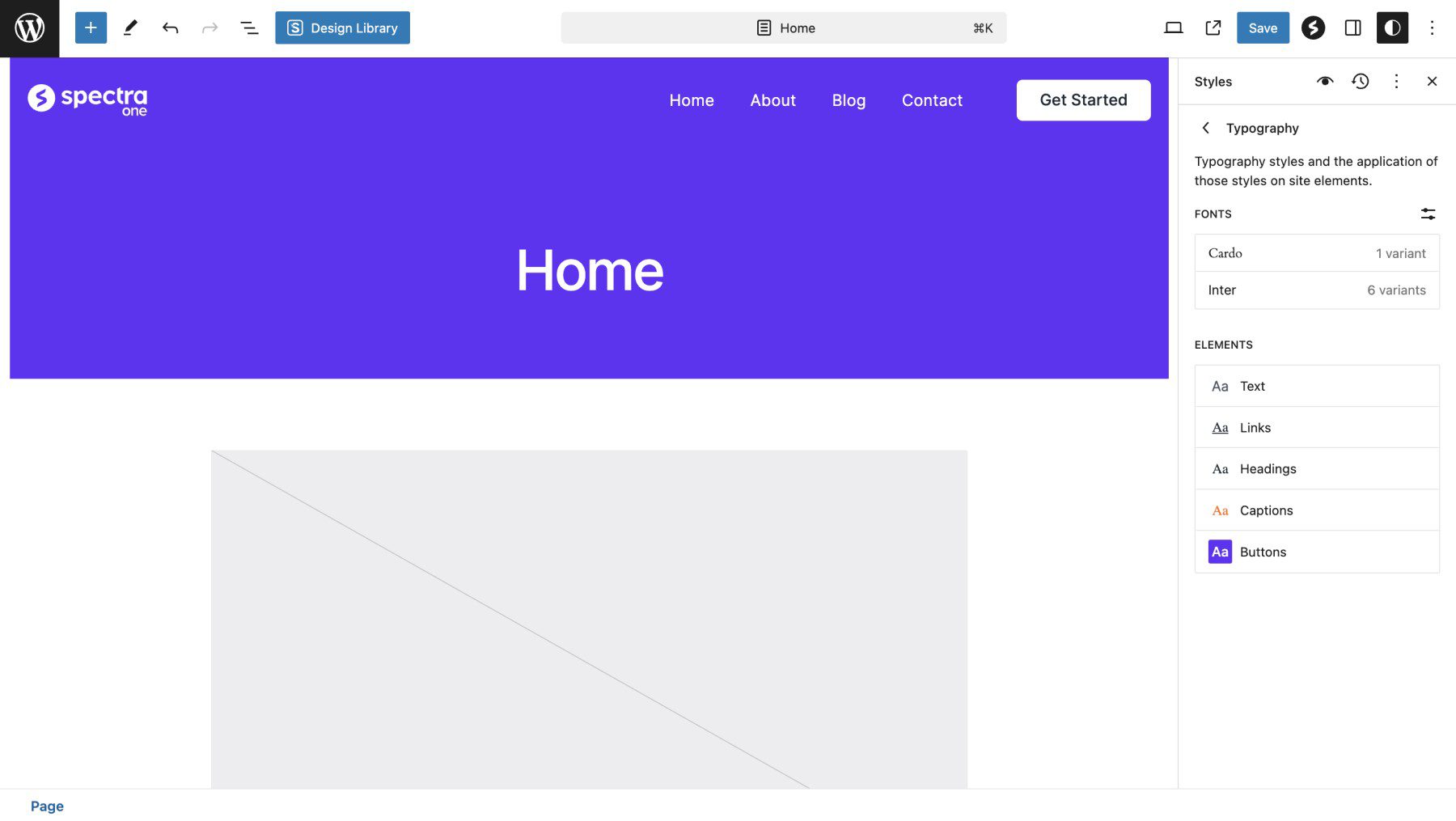
The plugin works well alongside the Astra theme or Spectra ONE (both from Brainstorm Force), though it also works with any block theme. Spectra ONE is a Full-Site Editing theme, available free of charge. Astra is a classic theme that approaches theme building differently. Any of the Full SIte Editing features shown above (FSE styles, templates) are using Spectra and Spectra Pro. But it works with most any theme of your choice.
Key Features
- 30+ additional blocks for the native Block Editor
- Container blocks with Flexbox and Grid support
- Enhanced design controls for spacing, typography, and responsiveness
- Copy/paste styles between blocks
- Works within WordPress core (no separate builder interface)
- Full Site Editor integration for template building (os a classic theme like Astra)
- Lightweight with minimal performance impact
Best For: Users committed to the WordPress Block Editor who want enhanced capabilities without adopting a full page builder. Spectra suits those who believe in the Gutenberg direction and want to stay within that ecosystem while gaining the design control that core WordPress lacks.
Pricing: Free version available with essential blocks. Pro starts at $49/year for one site, up to $189/year for unlimited sites.
Page Builder Pricing Comparison
Understanding the total cost of ownership matters when choosing a page builder. Annual pricing can get hefty, especially if you are paying for a theme + a page builder.
For agencies building multiple sites annually, Divi’s lifetime unlimited license at $249 offers the best economics. For users committed to the Block Editor, Spectra is a good bet, but you still have to choose your theme with it. Elementor’s large ecosystem comes at the cost of annual fees, with no unlimited-site option.
Making Your Page Builder Decision
Every page builder on this list can produce professional WordPress sites. The differences come down to how you prefer to work, what you’re willing to spend, and how much control you need.
Three questions should guide your decision:
First: How many sites will you build? If the answer is more than two or three, lifetime licensing makes economic sense. Divi’s $249 lifetime for unlimited sites pays for itself quickly compared to annual subscriptions.
Second: What is your technical comfort level? Developers who write CSS daily will appreciate Bricks’ control. Designers who think visually will prefer Divi’s Preset system. Those committed to WordPress-native tooling should consider Spectra.
Third: Do you need theme building? If you want to design headers, footers, and archive templates visually, ensure your choice includes this. Divi and Bricks include it. Elementor and Beaver Builder require Pro tiers or add-ons.
The builder I keep returning to is Divi. The lifetime license eliminates recurring costs, the visual builder is genuinely enjoyable to use, and the Preset system speeds up builds once you understand it. For most users, it represents the best combination of capability, workflow efficiency, and long-term value.
Frequently Asked Questions About Page Builders
What is the difference between a page builder and a theme builder?
These days, not much. A page builder focuses on individual page and post layouts. A theme builder extends that control to sitewide elements like headers, footers, and archive templates. Many modern tools (Divi, Elementor Pro, Bricks) include both, so you only learn one interface.
Do page builders slow down WordPress?
Page builders are not inherently slow. Some are built on older technology, and any builder can be used poorly to create performance issues. Quality builders like Divi 5 prioritize clean code and efficient resource loading. Following best practices (optimized images, quality hosting, caching) matters more than which builder you choose.
Can I switch from one page builder to another?
Yes, but switching requires reworking your pages since different builders use unique storage structures. This is why choosing the right builder upfront matters. It is possible to complete a redesign using the same page builder, as page builders are designed to be flexible.
Do I need a page builder if I use the Block Editor?
Not necessarily. The Block Editor handles basic layouts, and plugins like Spectra extend its capabilities. However, page builders offer more advanced design options, better responsive controls, and faster workflows for complex sites. If you use the Block Editor for post content, you can still use a page builder like Divi for designing your templates and pages. This is a common use case.
Which page builder is best for WooCommerce?
Divi includes 25+ native WooCommerce modules for building product pages, carts, and checkouts visually. Elementor Pro and Bricks also offer strong WooCommerce support. For stores where design is crucial, Divi offers the most comprehensive toolset without requiring additional plugins.
Is Elementor a better page builder than Divi?
We would say that Elementor is not better than Divi. Given Divi’s rapid development, it is a far superior page builder. However, Elementor has a larger third-party ecosystem and market share. Divi offers better pricing (lifetime option), a more advanced design system (Presets), and is a theme + page builder, whereas Elementor is a page builder that requires a theme.
For most users, Divi provides better long-term value.


