

Running a successful WooCommerce store is as much about offering great products as it is about whether potential customers can find them or not. That’s where WooCommerce SEO comes in.
By optimizing your ecommerce store for search engines, you can attract qualified traffic, reduce your reliance on paid advertising, and generate sales long after your content and product pages are published.
The good news is that WooCommerce gives you a strong foundation for search engine optimization. Built on WordPress, it includes SEO-friendly features such as clean URLs, customizable content, and a flexible ecosystem of plugins.
However, creating an ecommerce store is only the first step. To compete in search results in 2026, you’ll also need to optimize product pages, improve your site’s technical performance, and publish content that matches what shoppers are searching for.
In this guide, you’ll learn how WooCommerce handles SEO out of the box, what still needs optimization, which plugins can simplify the process, and the best practices that can help your online store rank higher and attract more customers.
What Is WooCommerce SEO?
WooCommerce SEO is the process of optimizing a WooCommerce-powered online store so that its product pages, category pages, blog posts, and other content can rank higher in search engine results.
The goal of doing SEO for your WooCommerce store is to help potential customers discover your products when they search for relevant keywords, compare options, or look for solutions online.
Unlike general WordPress SEO, ecommerce SEO focuses on the unique structure of an online store. A WooCommerce site may include hundreds of product pages, multiple product categories, filters, tags, and constantly changing inventory. Each of these elements can affect how search engines crawl, understand, and rank your product pages in SERPs.
SEO for an ecommerce website isn’t quite as simple as adding keywords to product pages and blog posts. It also includes:
- Technical optimization, such as improving site speed, mobile usability, XML sitemaps, and structured data.
- Content optimization, such as writing unique product descriptions as well as optimizing titles and images.
- Creating helpful blog content that answers customer questions and delivers value to your target customers.
In short, the right WooCommerce SEO strategy combines technical SEO, on-page optimization, and content strategy to help your store attract qualified traffic and generate more sales.
Is WooCommerce Good for SEO?
WooCommerce is one of the most SEO-friendly ecommerce platforms available, thanks to its WordPress foundation. However, its full SEO potential depends on proper optimization.
What WooCommerce Does Well
WooCommerce is built on WordPress, giving it a strong SEO foundation from the start.
It supports clean, customizable URLs, organized product categories, and a built-in blogging system for publishing helpful content. It also works seamlessly with popular SEO plugins, making it easy to customize titles, meta descriptions, XML sitemaps, and schema markup.
Combined with a responsive WooCommerce theme, these features make WooCommerce an excellent platform for long-term organic ecommerce growth.
Why Use a WooCommerce Theme?
A WooCommerce theme is built specifically for online stores, offering deeper integration than a standard WordPress theme with the WooCommerce plugin.
While any compatible theme can run WooCommerce, dedicated WooCommerce themes include optimized shop, product, cart, and checkout layouts, built-in product filters, quick view, better mobile shopping UX, and performance optimizations for stores.

They also reduce styling conflicts and require less customization, helping you launch a polished ecommerce site faster.
Here’s a quick comparison chart:
| Feature | WooCommerce Theme | Generic Theme + WooCommerce Plugin |
| Store-optimized layouts (shop and product page templates) | Built-In | Basic, more customization needed |
| Product page design | Enhanced | Basic |
| Cart & checkout UX | Optimized | Basic |
| WooCommerce styling | Native | May need fixes |
| Ecommerce features | Often included | Extra plugins needed |
| Setup time | Faster | More customization needed |
What WooCommerce Doesn’t Do Automatically
WooCommerce doesn’t automatically optimize your store for search engines.
You’ll still need to write unique product descriptions, create effective meta titles and descriptions, optimize images, improve internal linking, and address site speed.
While WooCommerce includes basic SEO-friendly features, ongoing WooCommerce SEO optimization requires regular attention to your content, technical performance, and user experience to achieve and maintain strong search rankings.
How WooCommerce SEO Works
The right WooCommerce SEO strategy combines several strategies that help search engines understand what your store is all about while making it easier for customers to find your products online.
On-Page SEO
On-page SEO involves optimizing the content and elements on your product and category pages.
This includes writing descriptive titles, compelling meta descriptions, clear headings, keyword-focused URLs, and unique product descriptions that match search intent.
Rather than overusing keywords, focus on creating helpful, easy-to-read content that answers customer questions. For example, instead of writing:
“Buy running shoes. Our running shoes are the best running shoes for running.”
… you could write:
“Explore lightweight running shoes designed for comfort, stability, and long-distance performance. Whether you’re training for a marathon or jogging around the neighborhood, you’ll find options to match your needs.”
Well-optimized pages improve both the user experience and your chances of ranking higher in search results.
Technical SEO
Technical SEO helps search engines crawl, index, and understand your WooCommerce store.
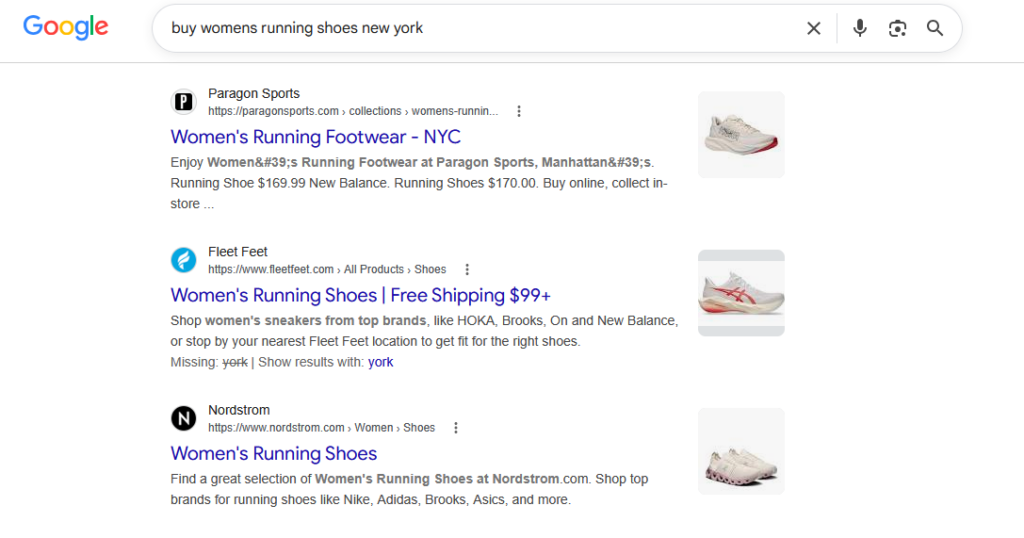
Key areas include XML sitemaps, canonical URLs, HTTPS, mobile responsiveness, and fast page loading. Adding structured data also helps search engines display product information such as prices, ratings, and availability directly in search results.
A technically sound website creates a better user experience while supporting stronger long-term search visibility.
Content SEO
Content SEO focuses on creating helpful resources that attract potential customers throughout their buying journey.
Blog posts, buying guides, gift guides, FAQs, tutorials, and product comparisons can target valuable search queries beyond your product pages.
As part of your WooCommerce SEO optimization strategy, publishing high-quality content builds authority, supports internal linking, and helps drive consistent organic traffic that can convert into future sales.
How to Optimize Your WooCommerce Product Pages for SEO
Your product pages have the greatest impact on organic traffic. Optimizing each one helps search engines understand your products and encourages more visitors to convert.
Here are six ways you can optimize your WooCommerce product pages:
Write Unique Product Titles
Your product title is one of the first things both shoppers and search engines see, so make it clear, descriptive, and specific. Instead of using generic names, include important details such as the product type, brand, model, size, or key feature when relevant.

This helps your products appear for more targeted searches while giving customers a better idea of what you’re offering.
Keep titles concise, readable, and focused on accurately describing the product.
Create Helpful Product Descriptions
Avoid copying manufacturer descriptions, as duplicate content offers little value to search engines and shoppers. Instead, write original product descriptions that explain what the product does, who it’s for, and why it’s worth buying.
Highlight key features alongside the benefits they provide, answer common customer questions, and include relevant keywords naturally.
Here’s how the Fleet Feet ecommerce store does it:
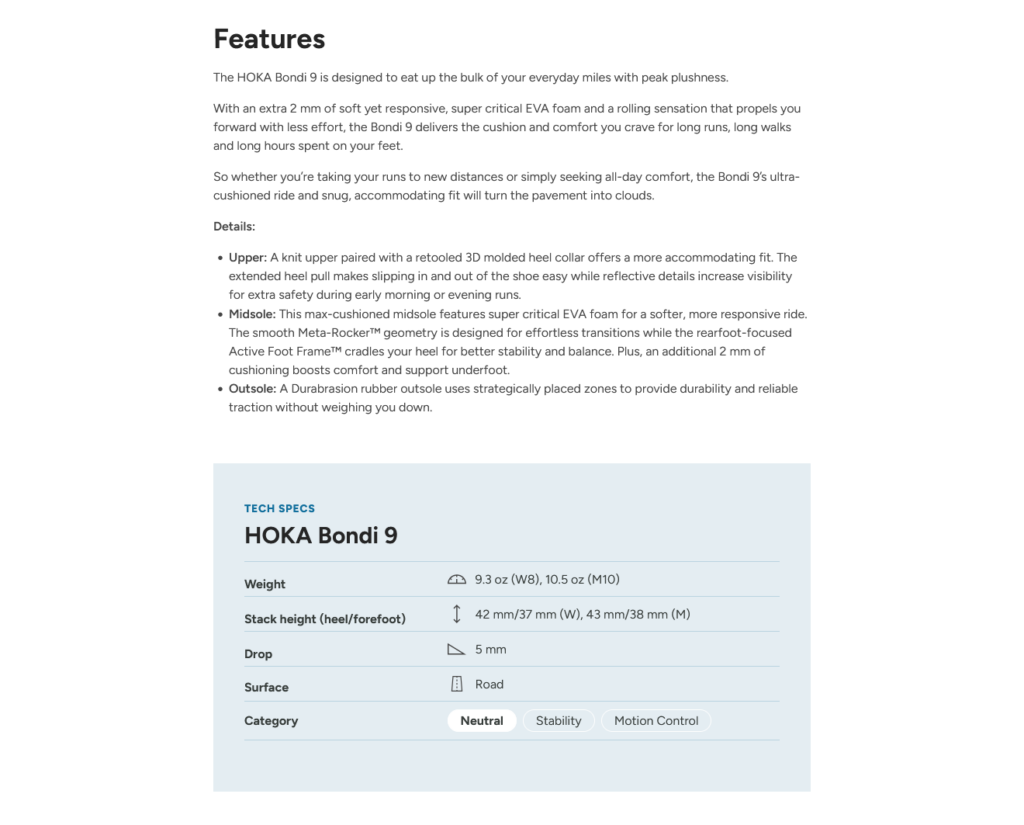
Well-written descriptions improve WooCommerce product SEO while helping visitors feel more confident about making a purchase.
Optimize Images
Images play an important role in both SEO and user experience. Before uploading product photos, use descriptive file names instead of generic names like IMG_1234.jpg.
Add meaningful alt text that accurately describes each image, helping search engines understand what it’s an image of. Adding alt text to product photos also improves accessibility for users with screen readers.
Finally, compress images to reduce file sizes without noticeably affecting quality. Faster-loading pages provide a better shopping experience and can support stronger search rankings over time.
Use Product Reviews
Customer reviews build trust and contribute fresh, user-generated content that can benefit your ecommerce store’s SEO.
Reviews naturally introduce relevant keywords and provide search engines with updated content on your product pages. They can also improve click-through rates by supporting rich results when paired with structured data.
Encourage verified customers to leave honest reviews and respond to feedback when appropriate to keep your product pages active and engaging.
Add Internal Links
Internal links help search engines discover your content while guiding shoppers to related products and useful resources. Link to relevant product categories, complementary products, and blog posts (such as guides or comparisons) where it makes sense.
For example, a buying guide can direct readers to featured products, while product pages can link to setup tutorials or FAQs. A thoughtful internal linking strategy improves navigation, distributes authority across your site, and supports better SEO for ecommerce product pages.
Optimize URLs
Keep your product URLs short, descriptive, and easy to understand. Whenever possible, include your primary keyword or product name while avoiding unnecessary numbers, dates, or random characters.
For example, yourstore.com/products/running-shoes is far more useful than yourstore.com/products/product?id=12345. Clear URLs help search engines understand your pages and make links more readable for users.
If you change an existing URL, always create a redirect to preserve rankings and avoid broken links.
The Best WooCommerce SEO Plugins
While WooCommerce provides a solid SEO foundation, an SEO plugin gives you greater control over optimization and simplifies many important, recurring SEO tasks.
#1: Yoast WooCommerce SEO
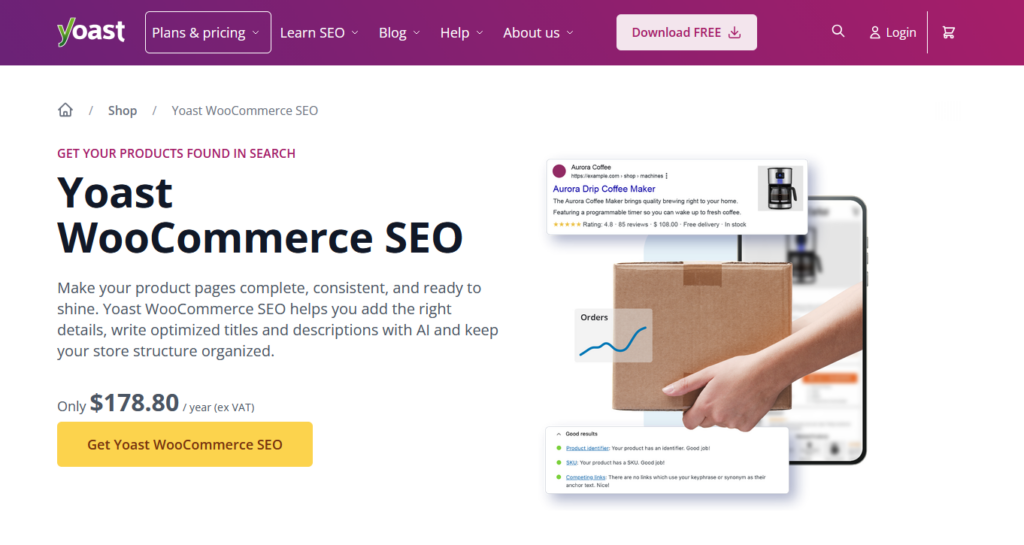
One of the most popular WooCommerce SEO plugins, Yoast SEO helps you optimize titles, meta descriptions, XML sitemaps, and social sharing settings.
The premium Yoast WooCommerce SEO extension adds ecommerce-specific features, including improved product schema, breadcrumb enhancements, and optimized metadata, making it a strong choice for beginners and growing online stores.
#2: Rank Math
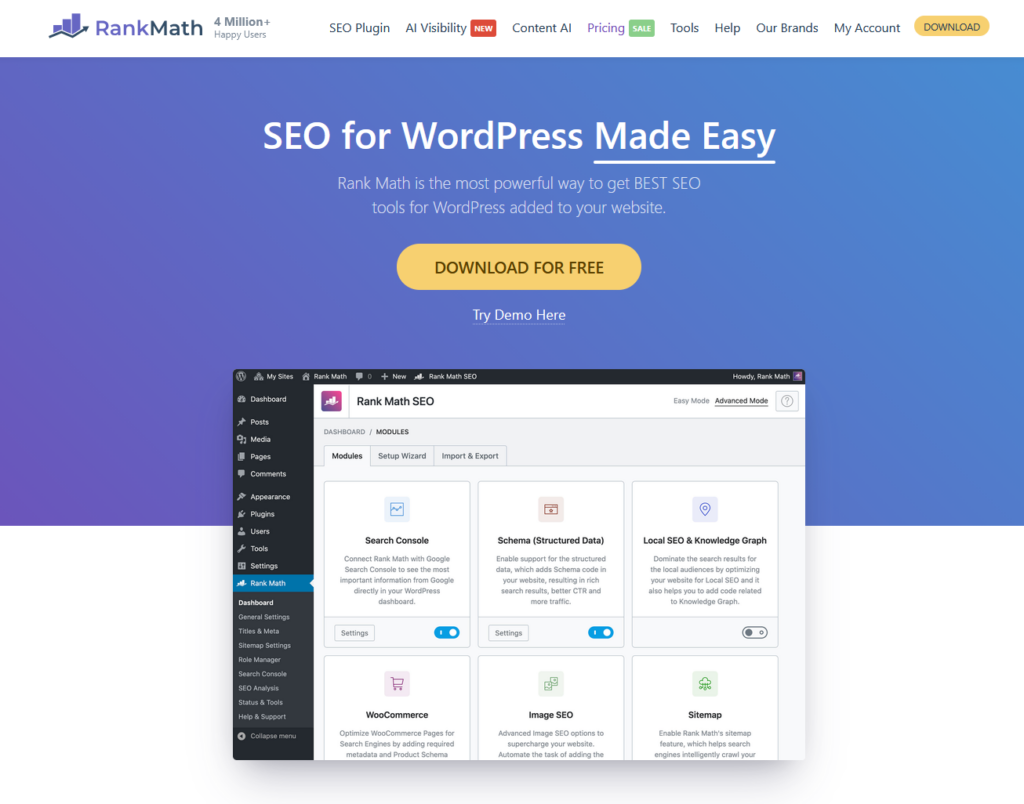
Rank Math is a feature-rich SEO plugin for WordPress that offers an intuitive setup wizard, customizable schema markup, XML sitemaps, redirection management, and built-in SEO analysis.
It’s WooCommerce-specific features available in the PRO version let you optimize your product pages and noindex hidden products. It also comes with a GTIN (Global Trade Item Number) feature.
#3: All in One SEO
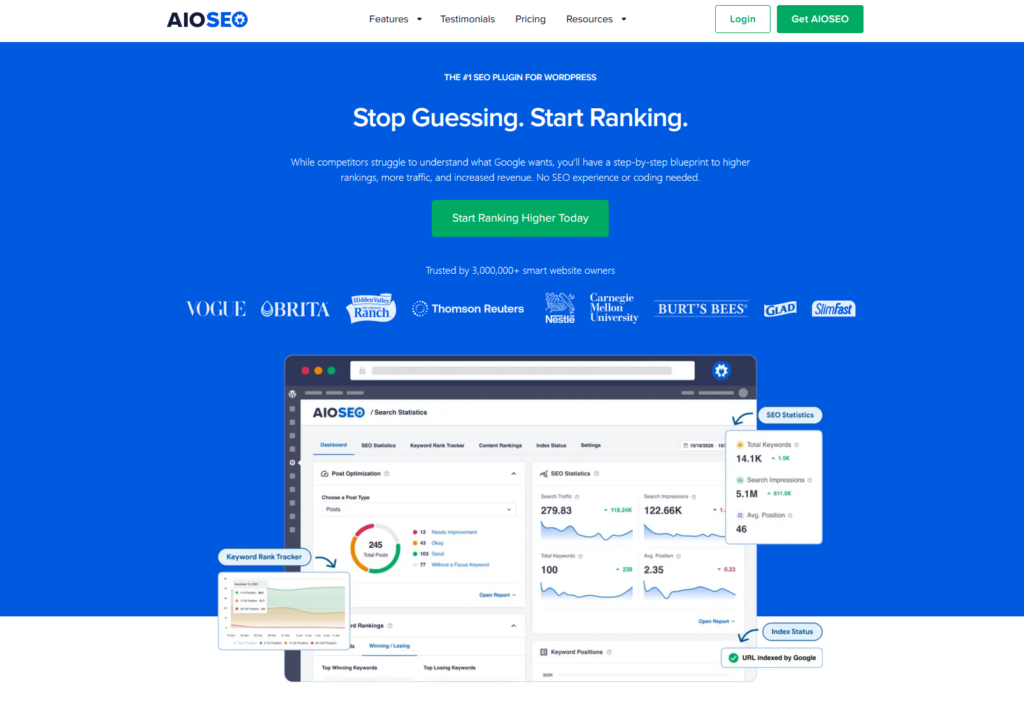
All in One SEO, or AIOSEO, is another excellent WooCommerce SEO plugin.
It includes tools for optimizing meta titles and descriptions, generating XML sitemaps, managing redirects, and adding schema markup. Its user-friendly interface and WooCommerce integrations make it a solid choice for beginners and businesses looking for a straightforward SEO solution.
5 Common WooCommerce SEO Mistakes to Avoid
Even a well-designed WooCommerce store can struggle in search results if common SEO mistakes limit its visibility, performance, and overall user experience.
Mistake 1: Duplicate product descriptions
Copying manufacturer-provided descriptions is one of the most common WooCommerce SEO mistakes. Since the same text often appears on multiple websites, it offers little unique value to search engines.
What to do instead: Write original product descriptions that highlight your product’s features, benefits, and use cases to improve rankings while giving shoppers a more compelling reason to buy.
Mistake 2: Unoptimized images
Large image files can slow down your store, leading to longer load times and a poor user experience.
What to do instead: Before uploading images, resize and compress them without sacrificing quality. Also, use descriptive file names and meaningful alt text to help search engines understand your images and improve accessibility. Small improvements can make a noticeable difference in both SEO and performance.
Mistake 3: Keyword stuffing
Adding the same keyword repeatedly in an attempt to rank higher is an outdated SEO tactic that can make your content difficult to read.
What to do instead: Write naturally for your audience and use relevant keywords where they fit organically. Focus on creating helpful, informative product pages that answer customer questions rather than forcing keywords into every sentence.
Mistake 4: Ignoring site speed
Page speed is an important ranking factor and plays a major role in the shopping experience. Slow-loading pages can increase bounce rates and reduce conversions, especially on mobile devices.
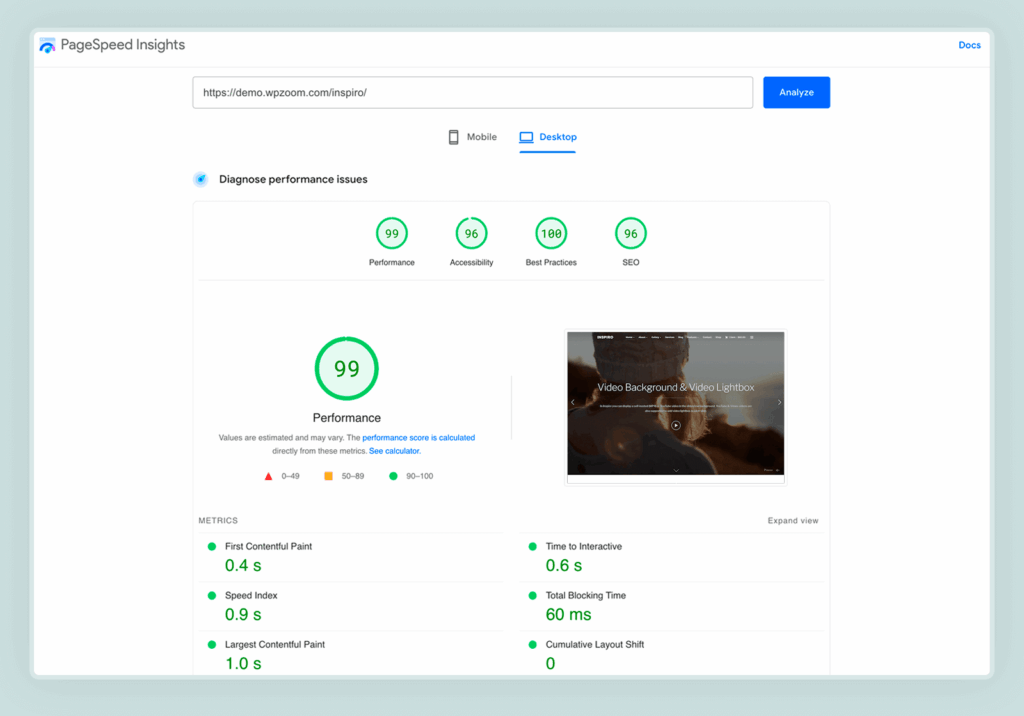
What to do instead: Improve performance by choosing fast hosting, using a lightweight WooCommerce theme, enabling caching, optimizing images, and minimizing unnecessary plugins. A faster store benefits both your visitors and your search rankings.
Mistake 5: No blog posts or guides
Focusing only on product pages limits your store’s ability to rank for informational searches.

What to do instead: Publishing helpful blog content such as buying guides, tutorials, FAQs, and product comparisons allows you to target additional keywords, answer customer questions, and build authority in your niche. It also creates more opportunities to attract organic traffic and link readers to relevant products.
Conclusion
WooCommerce gives you a strong foundation for building an SEO-friendly online store, but achieving lasting results requires more than installing the WooCommerce plugin and adding products.
From optimizing product pages and improving site speed to publishing helpful content and using the right WooCommerce SEO plugin, every improvement helps search engines better understand your store and connect it with potential customers.
The most effective WooCommerce SEO strategy is one built on consistency. Regularly update your product pages, monitor your site’s performance, create content that answers customer questions, and refine your optimization efforts as your store grows.
Rather than chasing quick wins, focus on delivering a fast, informative, and user-friendly shopping experience. Over time, these best practices can increase your search visibility, attract qualified traffic, and help turn more visitors into loyal customers.
If you have any questions about WooCommerce SEO, drop them in the comments section below!


