


AI is reshaping how WordPress sites are built, making the process faster, smarter, and more accessible. What once took days of design and development can now be done in hours using tools that generate layouts, write content, and even optimize performance settings.
Today, AI website builders for WordPress are not just experimental, but they’re powerful, practical, and widely used by developers, agencies, and business owners alike. Whether you need help with design, copywriting, or custom code, these tools can speed up your entire build.
This article explores the best AI-powered website builders that integrate with WordPress and explains how they make it easier to launch a polished, functional site.
But first, let’s look at a few must-have features to consider when choosing an AI builder.
What features to look for in a WordPress AI website builder
AI website builders aren’t all built the same, especially when you’re working with WordPress. Some promise a lot but don’t make your job easier. The best ones do more than just look impressive. They genuinely speed up your workflow, cut down on repetitive tasks, and help you launch a great-looking site that performs well immediately.
So, what should you actually look for in a WordPress AI builder? Here are the features that matter most:
Design and content AI assistance
Look for tools that generate layouts and assist with content creation for things like headlines, body text, image selection, and SEO optimization. The most effective builders assist with both design and writing, so you don’t have to switch between multiple tools to finish a single page.
Compatibility with existing tools
Make sure the builder integrates smoothly with your existing tools. Whether it’s WooCommerce, a specific theme or plugin, or the native block editor. You shouldn’t have to sacrifice functionality just to use AI features.
Flexible customization
A good AI builder should never box you in. Look for platforms that allow you to tweak layouts, styles, colors, and content after the initial AI generation. Ideally, the AI should serve as a strong starting point, not a locked-in template that you just have to settle for.
Speed and performance
The builder should generate clean, optimized code that doesn’t bloat your site. Lightweight themes, fast-loading pages, and minimal reliance on bulky scripts or external resources all play a role in maintaining high performance.
Security and data privacy
AI tools sometimes require sending data to external servers. Check the builder’s privacy policy and data handling practices, especially if you’re dealing with sensitive or client-owned information. Features like SSL encryption, GDPR compliance, and secure data storage are non-negotiables.
Easy export and deployment
Once your site is ready, the builder should make it easy to go live. Whether it’s a one-click export to WordPress or direct deployment to a managed host like Kinsta, publishing should be seamless and not frustrating.
Keeping these factors in mind helps you choose a builder that saves you time and sets you up for long-term success.
Now, let’s explore the best AI website builders for WordPress and compare their strengths.
1. ZipWP
ZipWP is a fast AI website builder made specifically for WordPress. Created by the team behind Astra and Spectra, it generates fully functional WordPress sites, including layouts, images, and content based on a short business description.
It’s ideal for freelancers, agencies, or anyone who wants a live site without the usual setup hassle.
Key features
- Instantly generates WordPress sites from a simple prompt
- Creates standard WordPress installs, not a proprietary system
- Compatible with Spectra, Elementor, and the native block editor
- Built-in AI content generator ( credit-based system)
- Save and reuse designs with Blueprints
- Chrome extension for quick-start projects
- Easy export to any hosting provider
Pros
- Extremely beginner-friendly
- No credit card needed to get started
- Not locked to a specific hosting platform
- Multilingual site creation is supported
Cons
- Free sites expire after 24 hours
- Some AI-generated copy may feel generic
- Limited SEO functionality without plugins
- Advanced styling requires manual tweaks
Pricing
ZipWP offers a range of plans to suit different needs:
- Free Plan: Build and test up to 3 AI-generated sites per month. The sites expire after 24 hours.
- Pro Plan: $16.99/month (billed annually), which lets you build 5 AI site generations per day, 10 permanent sites, 20,000 AI credits/month, and 10 GB storage.
- Business Plan: $39.99/month (billed annually) for 10 AI site generations per day, 20 permanent sites, 100,000 AI credits/month, 20 GB storage, white-label domains, and up to 10 team members.
- Pay Per Use: One-time fee of $79 for up to 5 site generations, 10,000 AI credits, and premium design access.
2. SeedProd
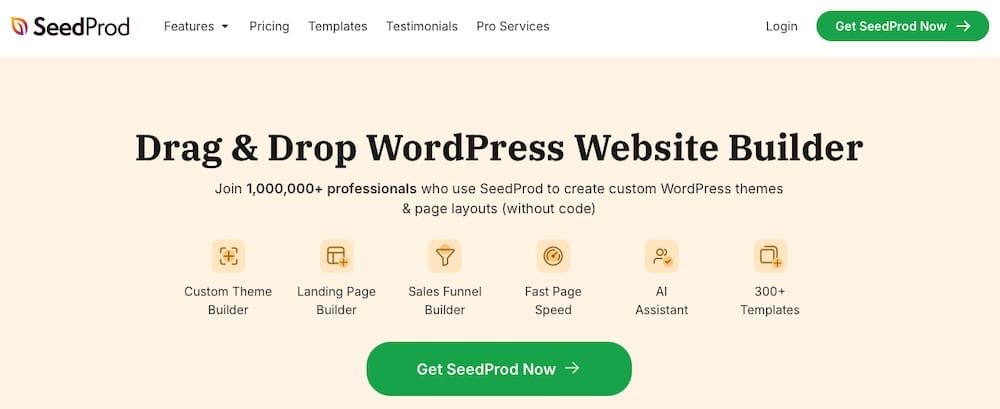
SeedProd is a versatile WordPress plugin that combines AI tools with a drag-and-drop builder to help users create professional websites without any coding knowledge. It works well for beginners and experienced developers who want speed, flexibility, and built-in AI support.
Key features
- Built-inAI assistant can generate and refine website copy, including headlines, product descriptions, and FAQs, in over 50 languages.
- Integrated with DALL-E for generating custom images directly within the builder.
- Drag-and-drop builder with access to over 300 templates and 90+ design blocks.
- Optimized for fast loading times and better search engine rankings.
Pros
- User-friendly interface
- Comprehensive AI tools that cover all aspects of site creation
- Extensive template library with over 300 templates to choose from
- Integrates with popular email marketing services and WordPress plugins
Cons
- The free version is quite limited in functionality
- The AI website builder operates separately from the main plugin
Pricing
SeedProd offers several pricing tiers to cater to different user needs:
- Basic: Priced at $79/year, this plan is suitable for single-site users and includes 50 PRO templates and 90+ design blocks.
- Plus: Costs $199/year and supports up to three sites, offers 100 PRO templates and includes additional features.
- Pro: This plan costs $399/year and is designed for professionals. It includes full website kits and advanced integrations.
- Elite: Priced at $599/year, this plan is ideal for agencies and supports up to 100 sites and offers priority support.
3. CodeWP
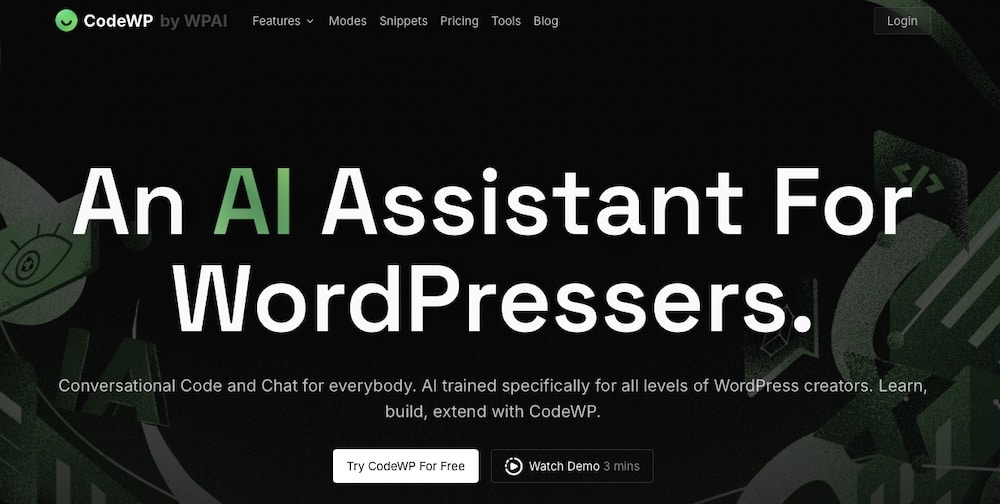
CodeWP is an AI-powered code generator designed specifically for WordPress development. By typing a plain-language prompt, users can generate PHP, JavaScript, CSS, or WooCommerce code snippets. Whether you’re building plugins, editing themes, or fixing bugs, CodeWP makes the process faster and easier.
Key features
- Generate full code snippets and plugin structures from simple prompts, covering PHP, JavaScript, CSS, and SQL.
- Its AI was trained specifically on WordPress code to ensure accurate and secure outputs.
- Supports code generation in over 11 languages, including English, French, German, and Spanish.
- Enables sharing and collaboration on code snippets within the CodeWP community.
Pros
- Makes development more efficient
- Designed to be useful for beginners and more experienced users
- Offers pricing models for individual developers and agencies
Cons
- This tool might be difficult to use if you’re unfamiliar with WordPress development
Pricing
CodeWP offers three pricing tiers:
- Free: The free plan includes 20 free actions, one project, and access to free modes with community support.
- Pro: This plan costs $28/month and provides 10,000 actions per month, four projects, and access to over 28 plugin-specific AI modes.
- Agency: Priced at $68/month, the agency plan offers unlimited actions, three team members, collaborative features, unlimited projects, and premium support.
4. Wordkraft.ai
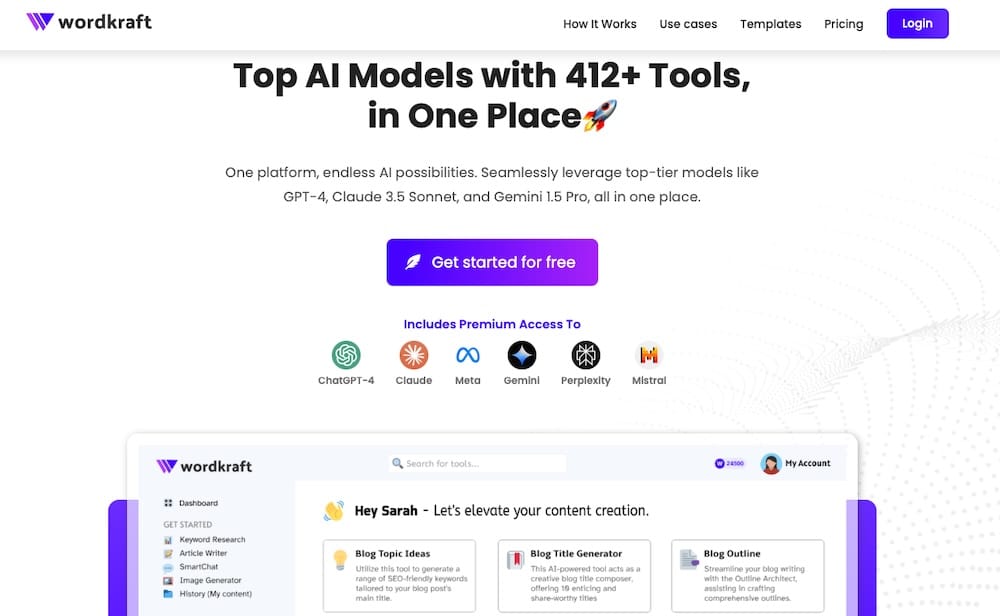
Wordkraft.ai is an AI content creation platform designed to speed up the process of generating high-quality, SEO-optimized content. With a suite of over 245 AI tools, it caters to bloggers, marketers, and businesses aiming to enhance their websites. It aims to take care of the content production portion of website development.
Key features
- Includes access to over 245 AI tools for various content needs, including blog posts, social media content, and marketing materials.
- Generates SEO-optimized content.
- Supports direct posting to WordPress sites with a single click.
- Supports content generation in 27 different languages.
- Designed with simplicity in mind.
Pros
- Offers a wide range of tools to cover diverse content creation needs
- The one-click publishing feature saves time
- Multilingual support means you can make content for various regions and languages
- Clean, intuitive interface for a smooth user experience
Cons
- While it offers one-click WordPress publishing, integrations with other platforms and tools may be limited
- AI-generated content still requires manual adjustments to ensure quality and accuracy
Pricing
Wordkraft.ai offers flexible pricing plans to accommodate different needs and budgets:
- Free Plan: Includes five Essential Messages, three Advanced Messages, and access to all 260 AI tools.
- Starter Plan: This plan is priced at $15/month and includes 1,500 Essential Messages, 300 Advanced Messages, image generation, custom agents, and email support.
- Pro Plan: Priced at $29/month, this plan includes unlimited Essential Messages, 1,500 Advanced Messages, and everything else in the Starter plan.
5. Divi AI
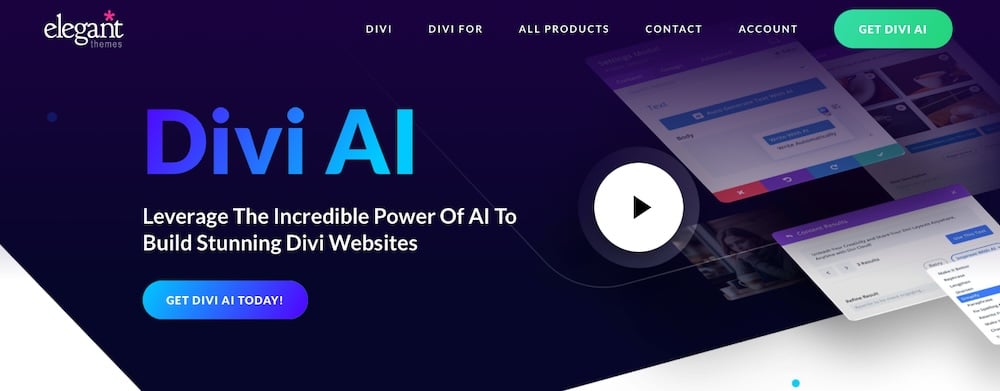
Divi AI is another Elegant Themes offering, this time an integrated artificial intelligence tool within the Divi Builder. It’s designed to enhance the website creation process by automating content generation, image creation, and code development.
Key features
- Divi AI can generate and refine text content directly within the Divi Builder.
- It uses Stable Diffusion to create unique images from text prompts and outputs automatically to the WordPress media library.
- It can produce HTML, CSS, and JavaScript snippets made specifically for certain Divi modules.
- The AI analyzes your website’s content and structure to generate contextually relevant suggestions.
Pros
- Divi AI offers unlimited text, image, and code generation for a flat monthly or annual fee
- It reduces the time required for website development and content creation
- The AI tools are simple to use and convenient to access within the visual builder
Cons
- Divi AI requires a separate subscription beyond the standard Elegant Themes membership
- These features are exclusive to the Divi Builder
Pricing
Divi AI offers two subscription plans:
- Divi Pro Plan: This plan costs $23.08/month and provides unlimited access to AI-generated text, images, and code alongside other premium Divi features like Divi Dash, Divi Cloud, and unlimited websites.
- Divi AI Unlimited Plan: Priced at $21.36/month, this plan is for those who use Divi already and who just want to access the AI features.
6. Kubio AI
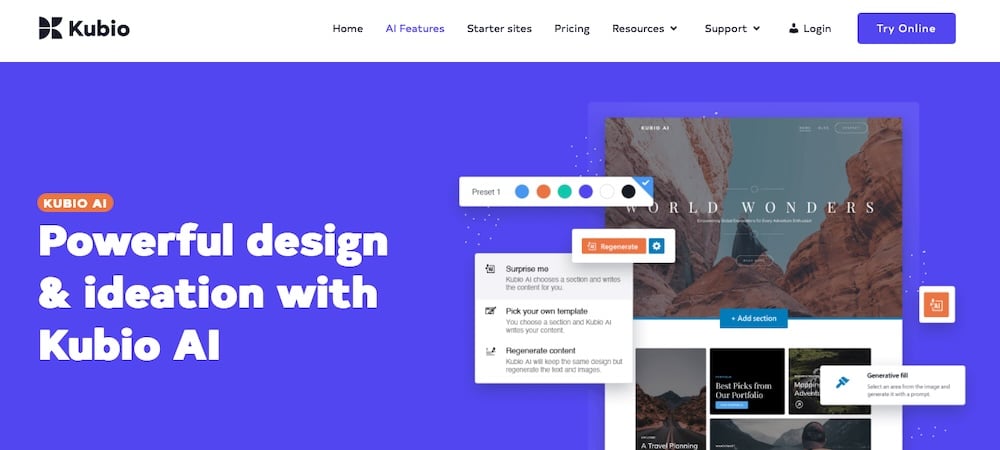
Kubio AI is a modern WordPress page builder that combines the flexibility of the block editor with AI. Developed by Extend Themes, Kubio enhances the standard WordPress experience by offering AI-assisted design, content generation, and full-site editing capabilities.
Key features
- Kubio can generate entire pages or specific sections based on short prompts with the option to choose from different generation modes, including a “surprise” option for spontaneous designs.
- It offers over 50 fully customizable blocks and more than 450 ready-made sections.
- Kubio supports full-site editing, including headers, footers, blog pages, search pages, and 404 pages.
- It provides tools to customize colors, backgrounds, typography, spacing, and alignment.
- You can use it to generate text and images using AI, with options to adjust tone, length, and style.
Pros
- It includes a user-friendly interface
- The builder offers a wide range of blocks and sections
- Choose how you want AI to assist in the design process
Cons
- Some reviewers have reported slow performance and occasional glitches when using the AI features
- While basic functions are straightforward, mastering the full range of customization options does take time.
Pricing
Kubio offers several pricing tiers to accommodate different needs:
- Personal: This plan costs €99/year and includes all PRO features, 7,500 AI credits, priority support, and one year of updates for one site.
- Plus: Priced at €129/year this plan offers 25,000 AI credits, priority support, and one year of updates for up to five sites.
- Freelance: At €249/year, the Freelance plan provides 50,000 AI credits, priority support, and one year of updates for up to 20 sites.
- Agency: For €379/year, you’ll get 100,000 AI credits, priority support, and one year of updates for unlimited sites.
Summary
AI is making it easier than ever to build high-quality WordPress websites. That applies to you whether you’re building your first site or managing dozens for clients. From visual layout tools and smart content generators to code-based assistants and full-site builders, these platforms offer a range of capabilities to meet your changing needs.
Each builder we’ve covered has its strengths. Some focus on speed and simplicity, others on flexibility and advanced customization. But they all share one goal: helping you build faster without compromising on quality.
No matter which builder you choose, you can easily host your AI-generated WordPress site on Kinsta for top-tier performance and support. With fast servers, free migrations, and tools optimized for WordPress, Kinsta makes sure your AI-built site runs smoothly from day one.
See what makes us different, and if you have any questions, feel free to reach out to our team. We’re here to help.

Kinsta
Senior Editor at Kinsta, WordPress Web Developer, and Content Writer. Outside of all things WordPress, I enjoy the beach, golf, and movies. I also have tall people problems.


