


When CTOs hear “WordPress,” many still think “blog platform.” Or worse, “hobby project.” Despite powering over 40% of the web, the platform still faces a perception problem in technical circles. For decision-makers focused on scale, security, and system integration, WordPress can seem like a legacy tool that’s too lightweight or too messy for serious enterprise needs. That makes preparing to pitch WordPress to CTOs difficult.
But the reality looks very different. Today’s WordPress is modular, extensible, headless-ready, and fully capable of powering high-traffic, security-conscious platforms. Major brands, government agencies, and global media outlets use it daily without compromising on performance or reliability.
This article walks through how to make a compelling case for WordPress with technical leadership. You learn how to anticipate and counter common objections, present real-world use cases, and frame your pitch around outcomes that resonate with CTOs.
Let’s get started.
Understanding CTO skepticism: Common objections and how to counter them
Trying to pitch WordPress to CTOs means addressing their top concerns directly. It’s not enough to talk about how easy it is to use or how many plugins are available. You need to speak their language, which revolves around security, scalability, and performance. And you need to bring proof to back it up.
Security concerns
“WordPress is insecure.” This is probably the most common objection, and it’s not entirely unfounded, but only if WordPress is poorly maintained. The core platform is secure. It’s maintained by a dedicated team of contributors and backed by a frequent release cycle that addresses vulnerabilities quickly.
Security issues, then, typically come from outdated plugins, poor configuration, or low-quality hosting, not from WordPress itself.
You can mitigate risk with:
On top-tier hosting platforms like Kinsta, many of these protections are already included. You get real-time monitoring, automatic backups, automatic updates, DDoS mitigation, and expert support ready to handle incidents.
Scalability worries
This stems from a misunderstanding: scalability depends on infrastructure, not the CMS. With the right hosting stack and a solid caching and database strategy, WordPress easily supports millions of monthly visitors.
If performance is a concern, pair WordPress with a high-performance host like Kinsta that offers:
The CMS is only one piece of the performance puzzle, but it’s fully capable when set up correctly.
Plugin bloat and performance
“It’s just a patchwork of plugins.” This perception only holds up when best practices are ignored. WordPress’s flexibility is both a strength and a risk. In less experienced hands, too many unvetted plugins can lead to code conflicts, slowdowns, or even security issues.
But when curated intentionally, plugins become a strategic advantage. You’re not building everything from scratch. You’re assembling tested, maintained components that dramatically shorten development time.
To prevent CTOs’ concerns, use only vetted, well-supported plugins with strong track records. You’ll also want to replace bloated page builders with blocks built into the Site Editor. Be sure to make full use of custom post types, taxonomies, and advanced fields to structure content without excess.
WordPress doesn’t have to be messy. With clear standards and thoughtful implementation, it can be as simple and scalable as any custom-built CMS.
Enterprise-grade WordPress in the wild
The easiest way to challenge assumptions about WordPress is to point to the companies and institutions already using it at scale, confidently, and without compromise. These aren’t hobbyists or side projects. These are high-stakes websites with strict requirements for uptime, compliance, and performance.
Here are a few examples that still actively run on WordPress:
The White House
The official website of the United States government has run on WordPress since 2018. It’s a high-visibility, high-traffic site that demands robust security, strict Section 508 accessibility compliance, and fast global performance. It also provides a simple editorial interface for non-technical staff.
The White House’s adoption of WordPress proves that the platform can meet the demanding requirements of a public institution serving millions.
TechCrunch

TechCrunch, a popular publication in the technology industry, relies on WordPress to handle a massive volume of daily content, from breaking news to in-depth analysis. The editorial team frequently publishes dozens of posts per day, with embedded multimedia, social integrations, and structured taxonomies for events and startup profiles.
Behind the scenes, TechCrunch uses a combination of custom blocks and performance optimization strategies, including aggressive caching, lazy loading, and optimized hosting, to maintain performance at scale.
Salesforce Blogs
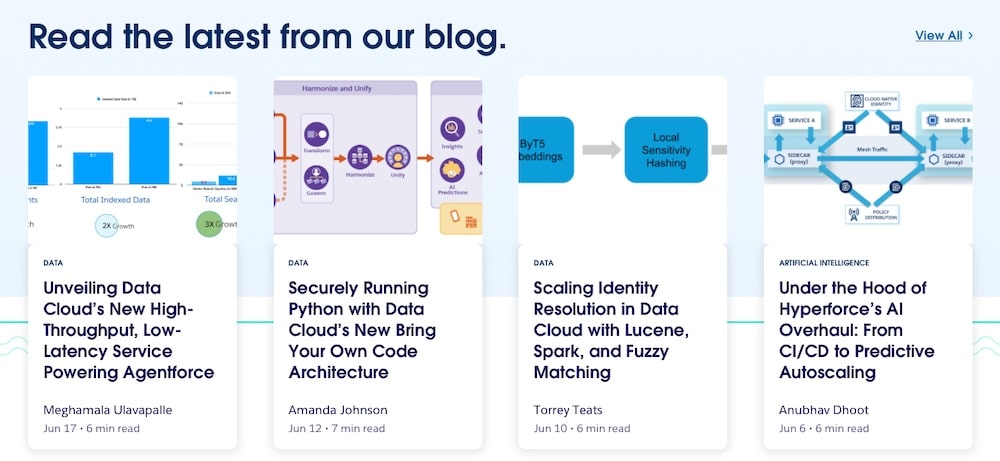
Salesforce uses WordPress to power several of its public-facing blogs, including its engineering blog. These blogs function as branding tools and technical documentation channels, so the CMS needs to support precise formatting, custom post types, and editorial workflows aligned with company standards.
This use case is especially compelling for CTOs in SaaS or enterprise tech. If a company like Salesforce, known for engineering excellence and tight security policies, trusts WordPress for its developer communications, it’s hard to argue that WordPress isn’t up to the task.
WordPress has evolved: What development looks like today
If a CTO’s only experience with WordPress involved dragging sidebar widgets or installing bloated themes, they’re missing the full picture. Today’s WordPress is developer-friendly, extensible, and fully compatible with modern frontend workflows and CI/CD pipelines. Here’s how it’s changed:
Headless and decoupled WordPress
WordPress no longer has to control the frontend. Many high-performance teams now use WordPress as a headless CMS, managing content in the backend while delivering it through frontend frameworks like React, Vue, or Next.js.
With the REST API (built into core) and third-party GraphQL plugins like WPGraphQL, developers can fetch structured data and render it however they want. Benefits include:
- Faster frontend performance through static generation or client-side rendering
- Easier versioning and design refreshes
- Integration with microservices
For CTOs concerned with modern stack compatibility, this opens the door to a hybrid approach: content managed in WordPress and experiences delivered however the team prefers.
Custom blocks with the Block Editor
The Block Editor is no longer “just a better TinyMCE.” It’s a React-based framework that allows teams to create modular, reusable components with rich editing interfaces. Custom blocks can be tailored to match brand styles, enforce design systems, and even embed logic like conditional rendering or dynamic content.
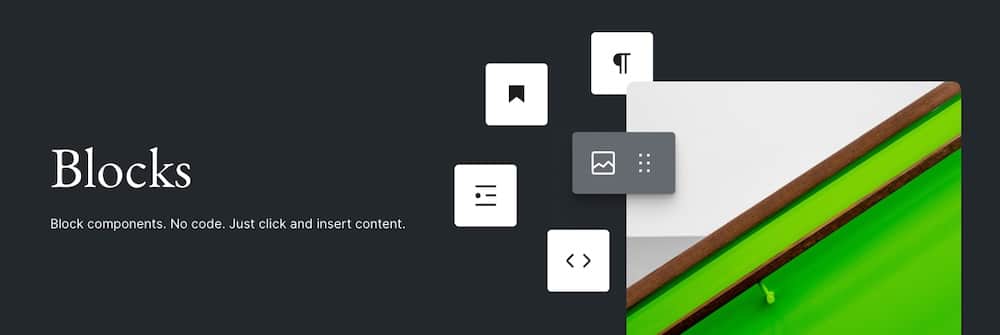
This gives non-technical users more freedom while giving developers more control. It’s especially useful for:
- Custom editorial workflows
- Reusable design block patterns across pages
- Avoiding the need for third-party page builders
For technical leadership, this means fewer plugins, cleaner code, and better maintainability.
DevOps and CI/CD compatibility
Today’s development teams expect version control, automated deployments, and environment parity. WordPress supports all of it:
- WP-CLI lets you script tasks like updates, database migrations, and cache clearing.
- Git-based deployment is supported by most modern hosts, including Kinsta, making it easy to integrate with GitHub Actions, Bitbucket Pipelines, or GitLab CI.
- Staging environments and selective push features allow dev teams to test and deploy changes without affecting production.
In short, WordPress fits right into modern DevOps workflows, especially when paired with infrastructure that supports Git deployments, staging environments, and developer automation.
Infrastructure matters: Choose enterprise-grade hosting
Many of the concerns CTOs have about WordPress, like security holes, downtime, and sluggish performance, don’t stem from WordPress itself. They come from pairing it with the wrong infrastructure.
Inexpensive shared hosting can’t meet enterprise needs. It bottlenecks performance, lacks proactive security, and offers minimal support. That’s why infrastructure should be a core part of the pitch, not an afterthought.
The difference hosting makes
A well-architected WordPress site on enterprise-grade hosting performs differently across the board:
- Security: Proactive malware scanning, DDoS mitigation, automatic updates, and isolated containers prevent cross-site contamination.
- Performance: Caching layers (object, page, server-level), fast global CDNs, and containerized environments keep load times low, even during traffic surges.
- Uptime: Load balancing, redundant backups, and server health monitoring reduce downtime risks dramatically.
- Support: Developer-savvy support teams that understand Git workflows, plugin conflicts, and complex deployments.
When paired with a platform like Kinsta, WordPress becomes a much stronger proposition for enterprise use.
Why Kinsta checks all the boxes
Kinsta is built for high-performance WordPress hosting, backed by the Google Cloud Platform premium tier network.
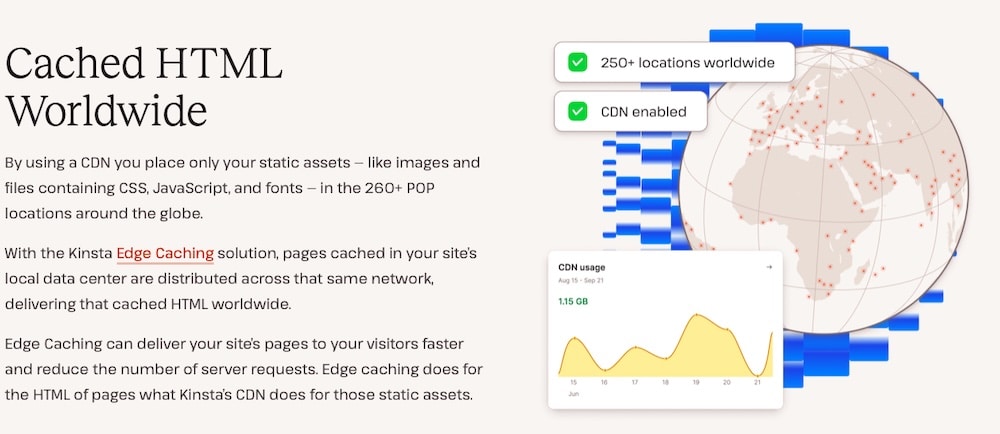
That means you get:
- Scalable infrastructure with flexible plans and overage handling during traffic surges
- Global edge caching and built-in CDN for fast delivery
- Super specific user access controls, which work well for teams or when you need to provide access to multiple people on a client’s team.
- Isolated containers for every site, preventing cross-contamination and improving resource allocation
- 24/7 expert support, staffed by engineers who specialize in WordPress
With features like SSH access, staging environments, custom deployment scripts, and analytics dashboards, your development team gets the tools they need without compromise.
The infrastructure does the heavy lifting, so developers can focus on the product and not on fixing every little issue.
WordPress at scale: Benchmarks and case studies
When CTOs ask if WordPress can really handle serious traffic, performance, and uptime, here’s how to respond with confidence and numbers to back it up:
Massive performance gains on compute‑optimized GCP VMs
Kinsta migrated several high-traffic WordPress sites onto Google Cloud’s C2 machines and saw performance improvements between 116% and 212%, all measured using Kinsta APM. You’re not relying on anecdotal claims here, but rather, actual PHP and MySQL response times.
Here’s a sampling of said results:
- A high-traffic news site went from ~250 ms to 80 ms, an increase of 212%
- A popular marketing blog improved from ~300 ms to 100 ms, an increase of 200%
- A community blog jumped from ~400 ms to 185 ms, an increase of 116%
- A WooCommerce agency site dropped from ~450 ms to ~250 ms, an increase of 80%
- Even a wellness site, already optimized, cut ~92 ms off its load times
These figures come straight from infrastructure-level upgrades, not plugin tweaks or superficial cache settings. Let’s look at a few of these cases in more detail now.
Scaling WooCommerce for flash‑sale traffic
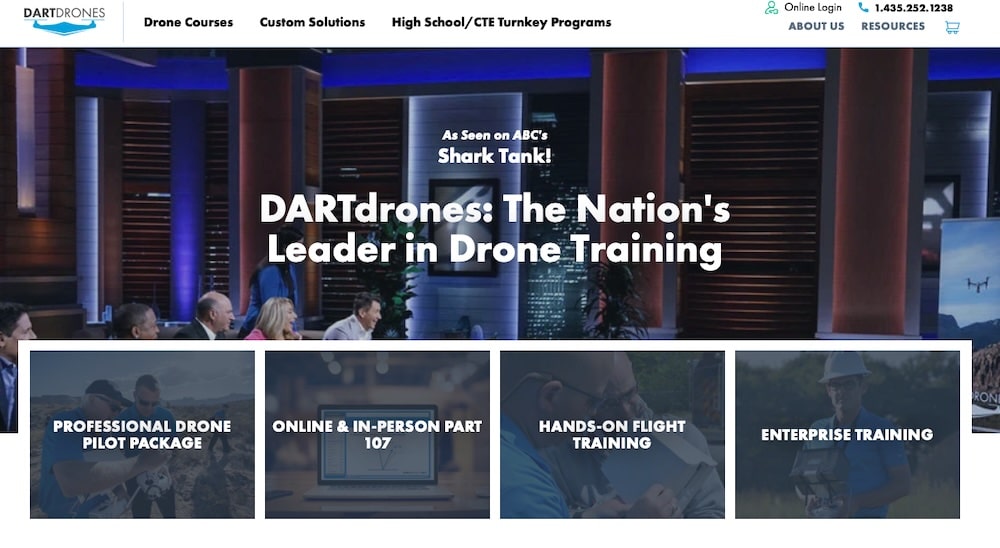
After appearing on Shark Tank, DARTdrones faced 1.2 million page requests in six hours. With Kinsta’s resource-isolated containers and flexible overage handling, they survived without a second of downtime.
Enterprise reliability & autoscaling
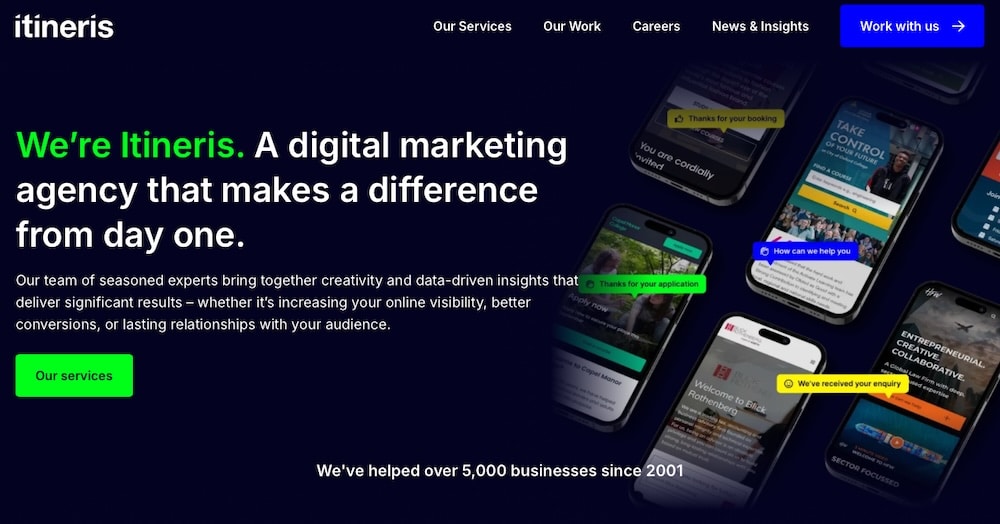
Global digital agency Itineris relied on Kinsta to support its enterprise-level client’s site rebrand. Not only did the hosting absorb high traffic spikes without missing a beat, but it also delivered:
- Consistent performance during high loads, supported by isolated containers and elastic resource allocation
- 24/7 support that cuts troubleshooting time dramatically
- Actionable analytics to improve SEO and backend performance.
Performance consistency
Kinsta has earned Top Tier status in independent industry tests five years in a row across all plans, from entry-level to enterprise. It consistently leads to uptime, low error rates, and resilient load testing, which is the kind of reliability CTOs want to see.
Agency-scale Multisite performance
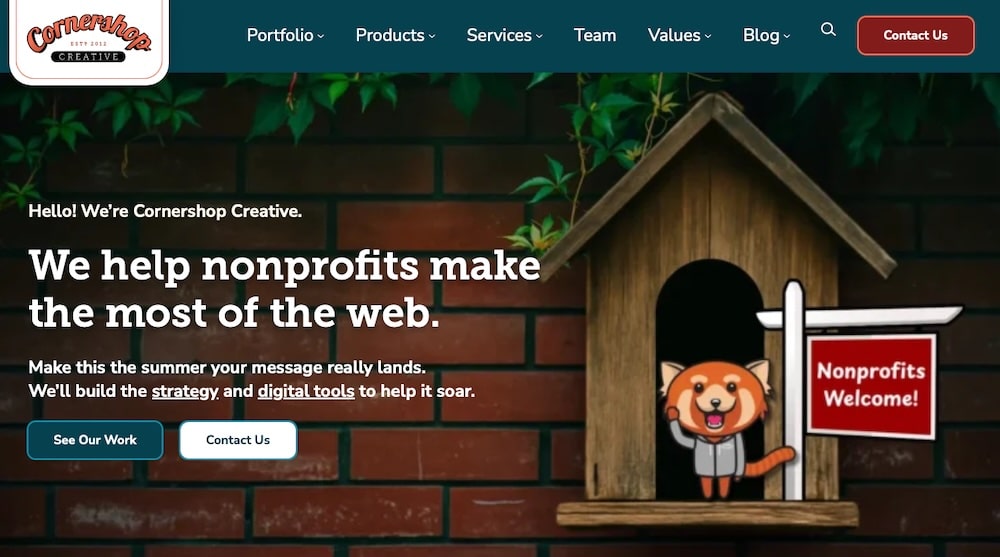
Cornershop Creative is an agency managing over 220 WordPress installs with nearly 3 million visits per month. It chose Kinsta for one reason: performance at scale. They’re handling high concurrency without managing servers or worrying about cross-contamination.
What all this means for your pitch
- Hard numbers beat hype. Use the APM and uptime stats to show you’re not guessing.
- Flash sale-ready = enterprise-ready. If WordPress can scale for 1M+ hits in hours, it can handle any business workload.
- Multisite management is a solved problem. Tell CTOs they don’t need to juggle dozens of shared hosts, one robust, containerized environment.
Tips to pitch WordPress to CTOs effectively
Pitching WordPress to a CTO isn’t about selling a popular CMS. It’s about showing that it can meet its technical, operational, and strategic goals. Here’s how to do that effectively.
Know your audience
Start by understanding what the CTO actually cares about. They’re thinking in terms of infrastructure, uptime, compliance, and team workflows, not drag-and-drop editors.
Focus your pitch around:
- Uptime and performance guarantees
- Security and role-based access controls
- Integration with CI/CD pipelines and developer tooling
- Compatibility with their existing stack, like APIs, SSO, and CRMs
Don’t assume they’re resistant. Instead, assume they need technical validation.
Lead with use cases, not features
CTOs aren’t evaluating WordPress for novelty. Instead, they’re evaluating it for efficiency and reliability. So avoid rattling off features like “widgets” or “themes.” Instead, focus on how WordPress:
- Speeds up time to launch through reusable components and proven tooling
- Enables structured editorial workflows, without requiring developer hand-holding
- Integrates seamlessly with marketing tools like email platforms, analytics, and CRMs that they already use
Bring proof, not promises
Claims won’t cut it. Share real-world data and measurable outcomes. Use load times, uptime percentages, and APM metrics from projects you’ve worked on. Present SLAs from managed hosts like Kinsta to show performance commitments.
If you’re pitching with Kinsta in mind, use industry-specific case studies to reinforce your argument with real outcomes.
Pick your examples to match the industry
Relevance drives credibility. If your examples don’t reflect their world, they’ll tune out.
Match case studies to their industry. A media CTO will care about TechCrunch or Rolling Stone. A SaaS decision-maker will relate to Salesforce’s WordPress blogs.
Your goal is for them to think: “If it works for them, it’ll work for us.”
Summary
WordPress has come a long way from its blog-only roots. When paired with modern development practices and enterprise-grade hosting, it offers the performance, security, flexibility, and scalability CTOs demand.
The key is framing it correctly. It’s not a shortcut. Pitching WordPress to CTOs is a serious, strategic move. It’s a platform that powers some of the world’s most trusted sites. Use real examples, address technical priorities, and let the results speak for themselves.
Looking for a hosting partner that makes WordPress work at scale? Explore Kinsta enterprise solutions to see how we support high-performance WordPress across industries.

Kinsta
Senior Editor at Kinsta, WordPress Web Developer, and Content Writer. Outside of all things WordPress, I enjoy the beach, golf, and movies. I also have tall people problems.


