

![WordPress.com vs WordPress.org: What’s the Difference? [2026]](https://b8f4g5a7.delivery.rocketcdn.me/wp-content/uploads/2023/12/wordpress-com-vs-org.png "WordPress.com vs WordPress.org: What’s the Difference? [2026]")
WordPress.com is a hosted platform where Automattic handles your hosting, updates, and security. WordPress.org is free, open-source software you install on your own hosting. Both run the same WordPress core, but they differ in cost, control, customization, and who’s responsible for maintenance.
If you’ve searched for “WordPress” and landed on two nearly identical-looking websites, you’re not alone. The names are almost the same, the logos match, and both claim to help you build a website. But WordPress.com and WordPress.org are very different products built for different types of users.
Here’s the short version: WordPress.com is a managed service run by a company called Automattic. WordPress.org is a community-driven, open-source project overseen by the WordPress Foundation. One handles everything for you. The other gives you complete control.
Disclosure: WPZOOM is a WordPress theme and plugin company. We build products for self-hosted WordPress sites.
This guide breaks down the difference between WordPress.com and WordPress.org across pricing, plugins, themes, e-commerce, SEO, and ease of use. By the end, you’ll know exactly which option fits your goals. If you’ve been wondering whether you should use WordPress.com or WordPress.org, this is the only comparison you need.
What Is WordPress.org?
WordPress.org is the home of the WordPress open-source software, a free content management system (CMS) that you can download and install on any web server. It’s licensed under the GPL, which means anyone can use, modify, and distribute it at no cost.
WordPress started as a blogging tool in 2003 and has since grown into the most widely used CMS on the planet. It powers over 43% of all websites, from personal blogs to enterprise platforms. The software is maintained by thousands of contributors worldwide, and the project is steered by the WordPress Foundation, a non-profit organization founded by WordPress co-creator Matt Mullenweg.
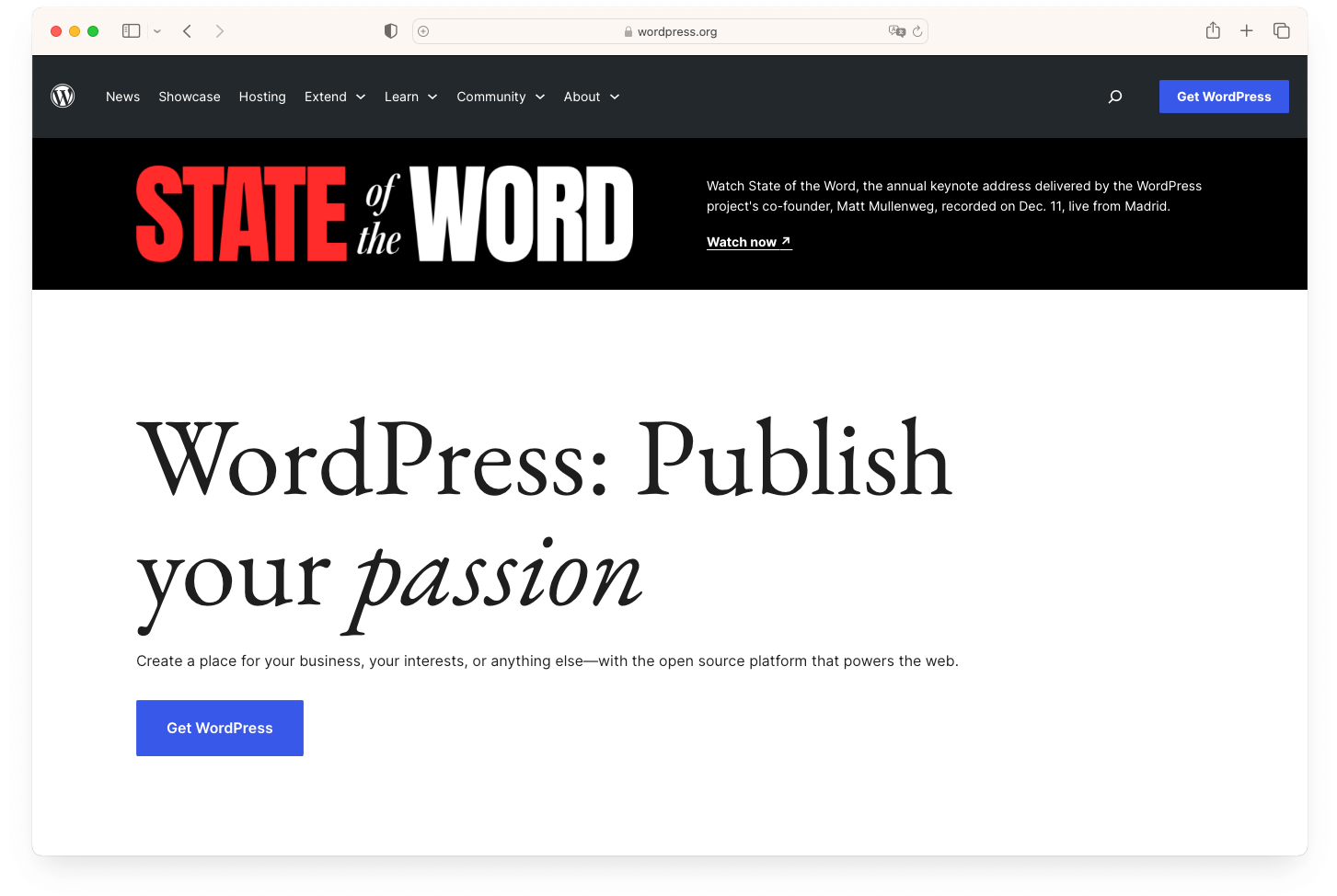
The benefits of WordPress as a self-hosted platform are significant. You get access to more than 59,000 free plugins, thousands of themes (both free and premium), and the ability to customize every aspect of your site. Need an online store? Install WooCommerce. Want advanced SEO tools? Add Rank Math or Yoast. The flexibility is essentially unlimited.
The trade-off is responsibility. With WordPress.org, you need to arrange your own web hosting, register a domain name, and handle ongoing maintenance like updates, backups, and security. For many site owners, this is straightforward. Modern hosting providers offer one-click WordPress installation, automated backups, and built-in security tools that take most of the heavy lifting off your plate.
What Is WordPress.com?
WordPress.com is a hosted website platform operated by Automattic, the company founded by Matt Mullenweg (who also co-founded the WordPress open-source project). When you sign up for WordPress.com, you get a ready-made environment where hosting, security updates, and backups are all handled for you.
Think of it this way: WordPress.org is the software. WordPress.com is a service built on top of that software.
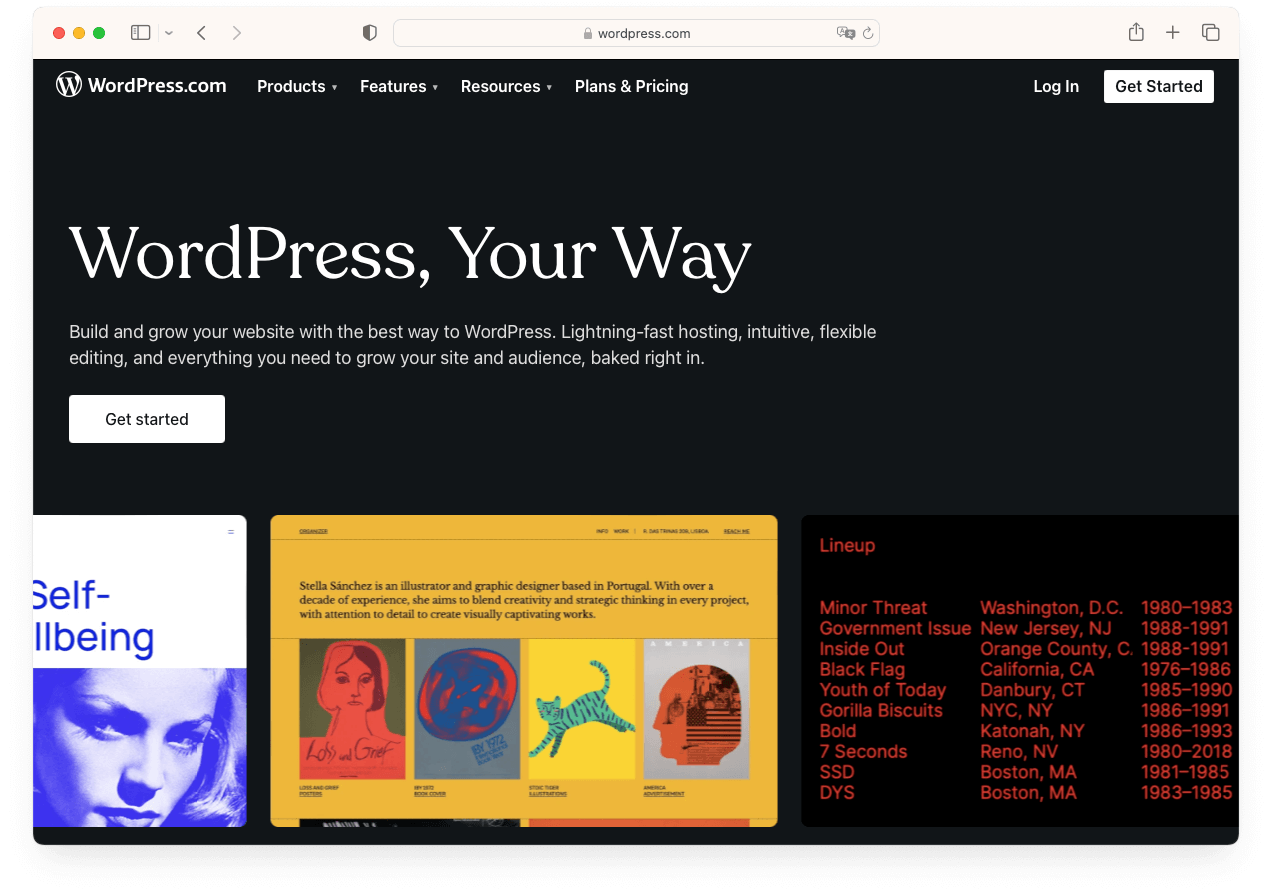
WordPress.com runs a modified version of the same WordPress core that powers self-hosted sites. The dashboard looks familiar, the block editor works the same way, and the content creation experience is nearly identical. The difference is in what happens behind the scenes and what you’re allowed to do.
The platform offers a free plan (with a wordpress.com subdomain and ads displayed on your site) and four paid plans that progressively unlock more features. On lower-tier plans, you’ll face restrictions on plugins, themes, custom code, and monetization. The Business and Commerce plans remove most of these limitations, giving you an experience closer to a self-hosted WordPress.org site.
WordPress.com also introduced an AI-powered website builder in 2025 that helps users generate layouts and content through text prompts. This makes the initial setup even faster for beginners who want a working site quickly.
The fundamental difference between WordPress.com and WordPress.org comes down to one question: who controls the hosting?
With WordPress.com, Automattic hosts your site and manages the technical infrastructure. With WordPress.org, you choose your own hosting provider and manage things yourself. Everything else flows from that distinction.
Here’s how the two platforms compare across the most important dimensions:
| Feature | WordPress.com | WordPress.org |
|---|---|---|
| Hosting | Included and managed for you | You arrange and pay for hosting separately |
| Cost | Free plan available; paid plans $4–$45/mo | Software is free; hosting ~$3–$30/mo + domain ~$12–$15/yr |
| Plugins | Available on all paid plans; not available on free plan | Full access to 59,000+ plugins, plus any third-party plugin |
| Themes | Selection of themes; custom uploads on Business+ | Full access to any theme; upload and edit freely |
| Custom code | SFTP/SSH access on Business+ plans only | Full access to all files including PHP, CSS, JavaScript |
| Monetization | Restrictions on lower plans; WordPress.com ads shown on free sites | No restrictions on ads, affiliates, or memberships |
| E-commerce | WooCommerce on Business ($25/mo) or Commerce ($45/mo) | WooCommerce free to install on any hosting plan |
| Maintenance | Updates, backups, and security handled for you | Your responsibility (or your hosting provider’s) |
| SEO | Built-in tools on all plans; advanced options on higher plans | Full access to any SEO plugin and technical SEO files |
| Support | Email and live chat on paid plans | Community forums, plus your hosting provider’s support |
Hosting and Control
This is the single biggest difference. WordPress.com is a managed service. You don’t pick a server, configure PHP settings, or worry about uptime. That convenience comes with guardrails: you can only do what your plan level allows.
WordPress.org gives you full control. You choose your hosting provider, configure the server environment to your needs, and make any customization you want. The responsibility for keeping things running falls on you (though many WordPress hosting providers now include automatic updates and daily backups).
Customization
On WordPress.org, there are no restrictions. Install any plugin. Upload any theme. Edit any file. Build custom functionality from scratch if you want to.
WordPress.com has loosened its restrictions over the years. All paid plans now support plugin installation, which is a significant change from earlier versions of the platform. However, advanced customization (uploading custom themes, accessing files via SFTP/SSH, deploying from GitHub) still requires the Business plan at $25/month or higher.
Content Ownership
You own your content on both platforms. The practical difference is that WordPress.com’s terms of service include certain rights to display and distribute content hosted on their servers. With WordPress.org, you have unrestricted ownership because the content sits on a server you control. This ownership distinction is one of the less obvious but important factors in the WordPress.com vs WordPress.org comparison.
Upgrade Your Website with a Premium WordPress Theme
Find a theme that you love and get a 10% discount at checkout with the FLASH10 code

Cost is one of the most common questions in the WordPress.com vs WordPress.org debate. The answer depends on what you’re building and how much flexibility you need.
WordPress.com Pricing (Annual Billing)
WordPress.com offers five tiers. Here’s what each includes as of 2026, based on their official pricing page:
| Plan | Monthly Cost (Annual) | Storage | Key Features |
|---|---|---|---|
| Free | $0 | 1 GB | WordPress.com subdomain, WordPress.com ads displayed, limited themes |
| Personal | $4/mo | 6 GB | Custom domain (free first year), ad-free, plugin access, email support |
| Premium | $8/mo | 13 GB | Premium themes, Google Analytics, video uploads, fast support |
| Business | $25/mo | 50 GB | SFTP/SSH, all themes and plugins, priority 24/7 support, GitHub deployments |
| Commerce | $45/mo | 50 GB | WooCommerce extensions, premium store features, everything in Business |
WordPress.org Total Cost of Ownership
The WordPress software itself costs nothing. Your expenses come from the services around it:
- Web hosting: $3–$12/month for shared hosting; $25–$100/month for managed WordPress hosting
- Domain name: $12–$15/year (often included free for the first year with hosting)
- SSL certificate: Usually free with hosting (Let’s Encrypt)
- Premium theme (optional): $30–$100 as a one-time purchase
- Premium plugins (optional): Varies widely, from free to $100+/year
For a basic WordPress.org site on shared hosting with a domain name, expect to spend roughly $50–$150 in Year 1 and $80–$200 per year after that.
Which Costs Less?
For a bare-minimum website, WordPress.com’s free plan wins on price (it’s $0). But you’ll have a wordpress.com subdomain and ads on your site.
When comparing WordPress.com vs WordPress.org pricing for a professional site with your own domain, plugin access, and no ads, the numbers are closer than you might expect. WordPress.com’s Personal plan costs $48/year. A WordPress.org site on shared hosting with a free domain costs around $36–$60/year. The .org route typically costs the same or less while giving you significantly more flexibility.
The gap widens as your needs grow. WordPress.com’s Business plan costs $300/year. For the same price on WordPress.org, you could get quality managed hosting and several premium plugins with no feature restrictions.
Plugins and Themes: Customization Compared
Plugins and themes are where the two platforms diverge most sharply, and where the choice between WordPress.com vs WordPress.org has the most practical impact on what your site can do.
Plugins
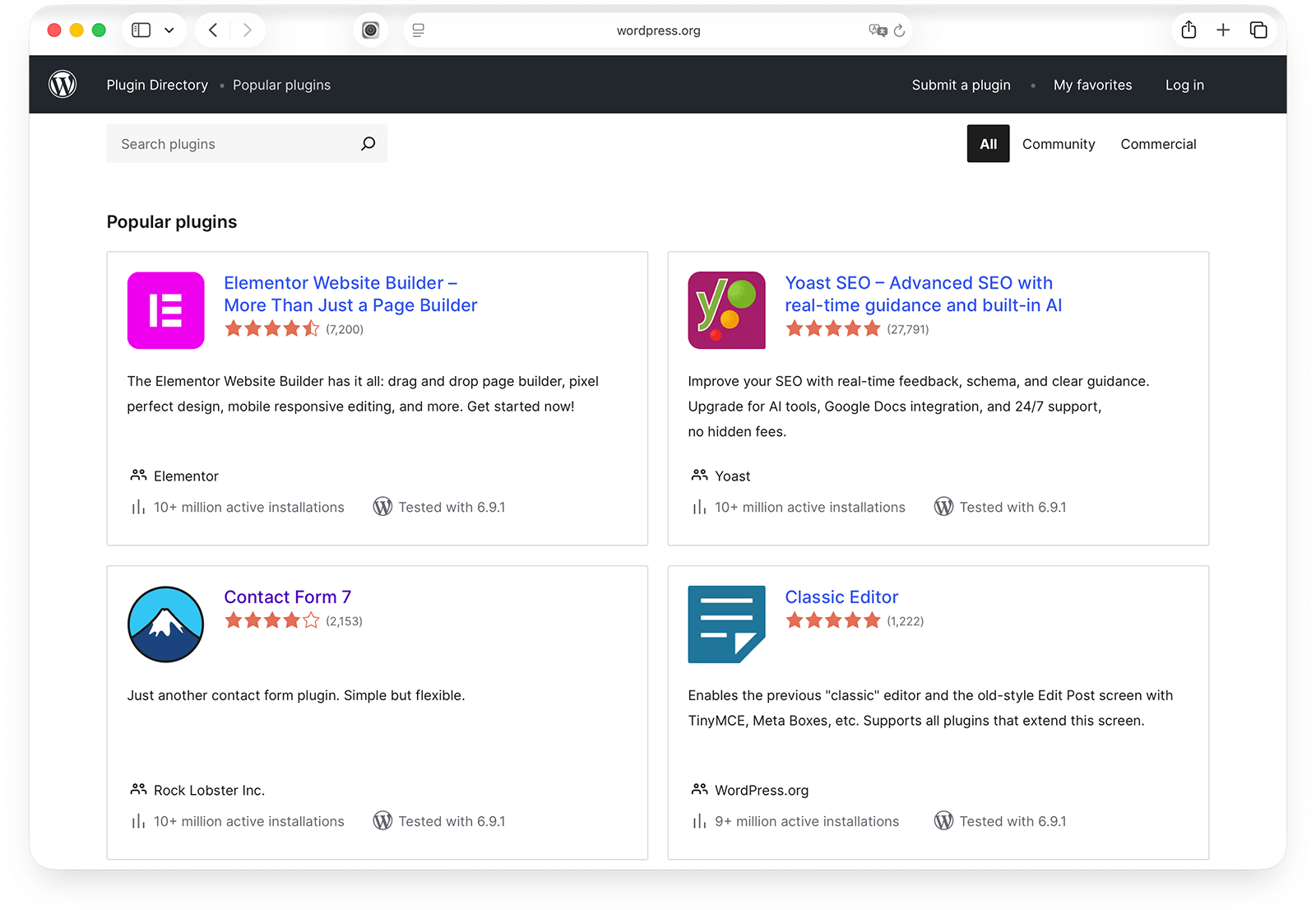
WordPress.org gives you unrestricted access to the entire WordPress plugin directory (59,000+ free plugins) plus any premium or third-party plugin available elsewhere. Want a specific form plugin, a learning management system, or an advanced caching tool? Install it. No permission needed.
WordPress.com has evolved here. All paid plans now support plugin installation, which removes a major limitation that existed for years. If you’re on the Personal plan ($4/month) or above, you can install plugins from the WordPress.com marketplace. However, some plugins may not be available or fully compatible with the WordPress.com environment, and the free plan still doesn’t support plugins at all.
For a step-by-step walkthrough, see our guide on how to install a plugin on WordPress.
Themes
The situation with themes mirrors plugins. WordPress.org lets you use any theme: free themes from the directory, premium themes from third-party developers, or a completely custom theme built from scratch. You can also create child themes and edit template files directly.
WordPress.com provides a selection of free and premium themes. On the Personal and Premium plans, you choose from this curated library. Uploading your own custom theme or making deep code-level customizations requires the Business plan ($25/month) or higher.
If you’re building on WordPress.org and need a portfolio layout, for example, you could pair a theme with a plugin like WPZOOM Portfolio for full control over how your work is displayed. That kind of plugin-theme combination is where self-hosted WordPress shines.
E-Commerce and Monetization
If you plan to sell products, accept payments, or monetize your website in any way, the WordPress.com vs WordPress.org decision matters more here than in almost any other area.
Online Stores
WordPress.org paired with WooCommerce is the most popular e-commerce setup in the world. WooCommerce is free to install, supports any payment gateway, and gives you complete control over your store’s design, shipping, and tax settings. You can extend it with hundreds of free and premium extensions.
On WordPress.com, e-commerce gets expensive. You need at least the Business plan ($25/month) to install WooCommerce, and the Commerce plan ($45/month) for access to premium WooCommerce extensions and dedicated store features. That’s $540/year before you factor in payment processing fees.
For comparison, a WordPress.org site with WooCommerce on managed hosting might cost $200–$400/year total, with no platform-imposed limitations.
Monetization Freedom
WordPress.org places no restrictions on how you make money. Run display ads, use affiliate links, create membership content, accept donations, sell digital products. Your site, your rules.
WordPress.com is more restrictive. The free plan displays WordPress.com’s own ads on your site (and you don’t earn revenue from them). On paid plans, you can run your own ads through the WordAds program, but your options for third-party ad networks and affiliate strategies are more limited on lower tiers. The Business and Commerce plans remove most monetization restrictions.
SEO Capabilities
When comparing WordPress.com vs WordPress.org for SEO, both platforms are built on the same WordPress core, which is inherently SEO-friendly. Clean URL structures, responsive themes, and proper heading hierarchies come standard. The differences show up in how much control you get over the details.
WordPress.org SEO
With a self-hosted site, you have full access to the technical side of SEO. Install any SEO plugin (Yoast SEO, Rank Math, All in One SEO), and you get control over meta titles, descriptions, XML sitemaps, schema markup, Open Graph tags, and more. You can also edit robots.txt, modify .htaccess rules, and implement custom redirects.
For plugin recommendations, check out our roundup of the best SEO plugins for WordPress.
WordPress.com SEO
WordPress.com includes built-in SEO tools on all plans. You can set meta descriptions, customize social sharing previews, and generate XML sitemaps without installing anything extra. The Premium plan and above add Google Analytics integration.
The limitation is flexibility. On lower plans, you can’t install third-party SEO plugins, edit robots.txt directly, or make server-level changes that some advanced SEO strategies require. If SEO is a priority for your site, WordPress.org gives you more room to optimize.
That said, for a simple blog or personal site where you’re not doing competitive SEO, WordPress.com’s built-in tools are more than adequate.
Ease of Use and Maintenance
The ease of use comparison between WordPress.com vs WordPress.org is often overstated. Both platforms have gotten significantly easier to use in recent years, but they differ in setup complexity and ongoing maintenance.
Getting Started
WordPress.com is faster to set up. Sign up, pick a plan, choose a theme, and you’re publishing content within minutes. There’s no hosting to configure, no software to install, and no server to manage.
WordPress.org requires a few extra steps. You’ll need to choose a hosting provider, register a domain, and install WordPress on your server. That said, most modern hosts have simplified this with one-click installers. If you’re signing up with a provider like Bluehost or SiteGround, the whole setup process takes about 10–15 minutes.
Day-to-Day Use
Once both platforms are set up, the daily experience is nearly identical. Both use the same block editor (Gutenberg) for creating content. You write posts, add images, arrange blocks, and publish. The dashboard layouts are similar, and the learning curve for content creation is the same.
Ongoing Maintenance
This is where the platforms differ most in day-to-day terms.
WordPress.com handles updates, backups, and security automatically. You don’t need to think about it. If something breaks, their support team handles it.
WordPress.org puts maintenance in your hands. You’ll need to keep WordPress core, themes, and plugins updated. You should run regular backups (many hosting providers automate this) and take basic security precautions. It’s not difficult, but it does require attention. Ignoring updates can leave your site vulnerable to security issues.
Which Should You Choose? A Decision Framework
Rather than asking “which is better, WordPress.com or WordPress.org,” ask “which fits what I’m building?” The right choice depends on your goals, budget, and how involved you want to be in the technical side. Here’s a practical framework.
Choose WordPress.com If You:
- Want a personal blog or simple website with minimal technical involvement
- Prefer not to manage hosting, updates, or security
- Don’t need to install specific plugins or heavily customize your theme
- Want to start free and upgrade as your needs grow
- Value convenience over flexibility
Choose WordPress.org If You:
- Need full control over your site’s design, functionality, and files
- Plan to install specific plugins or use a custom theme
- Want to monetize your site with no platform restrictions
- Are building an online store with WooCommerce
- Need advanced SEO control for competitive keywords
- Want to keep long-term costs lower as your site scales
Quick Decision Guide
| Your Situation | Best Fit |
|---|---|
| Personal blog with no budget | WordPress.com (free plan) |
| Personal blog with a small budget | Either platform works well |
| Business website | WordPress.org |
| Online store | WordPress.org + WooCommerce |
| Portfolio website | WordPress.org |
| Nonprofit or organization | WordPress.org |
| Testing an idea quickly | WordPress.com (free plan) |
| Client sites (freelancers/agencies) | WordPress.org |
If you’re unsure, starting with WordPress.com’s free plan is a low-risk way to explore WordPress. You can always migrate to a self-hosted WordPress.org site later if you outgrow the platform.
One of the advantages of the WordPress.com vs WordPress.org situation is that you’re not locked in forever. If you start on WordPress.com and decide you need more flexibility, you can migrate your content to a self-hosted WordPress.org installation. The process involves:
- Setting up hosting: Choose a hosting provider and install WordPress.
- Exporting content: Use WordPress.com’s built-in export tool to download your posts, pages, and media.
- Importing content: Upload the export file to your new WordPress.org site using the built-in importer.
- Redirecting traffic: Set up redirects so visitors and search engines find your new site at its new location.
- Updating DNS: Point your domain to your new hosting provider.
The migration is straightforward for most sites, though larger sites with lots of media or custom configurations may need extra steps. We’ve put together a detailed walkthrough in our guide on how to move from WordPress.com to WordPress.org.
Yes, the WordPress software is 100% free to download and use. It’s open-source and licensed under the GPL. However, you’ll need to pay for web hosting (typically $3–$12/month for shared hosting) and a domain name (~$12–$15/year) to make your site accessible online.
WordPress.com offers a free plan that includes a wordpress.com subdomain (e.g., yoursite.wordpress.com), 1 GB of storage, and WordPress.com ads displayed on your pages. Paid plans start at $4/month (billed annually) and remove the ads, add a custom domain, and unlock additional features.
Yes, all paid WordPress.com plans now include plugin access. This is a relatively recent change. The free plan does not support plugin installation. On paid plans, you can browse and install plugins from the WordPress.com marketplace. The Business and Commerce plans give you the broadest compatibility with third-party plugins.
WordPress.org offers more control. You can install any SEO plugin (Yoast, Rank Math, etc.), edit technical files like robots.txt and .htaccess, and customize schema markup. WordPress.com includes solid built-in SEO tools, but limits the advanced technical optimizations available on lower plans. For competitive SEO, WordPress.org is the stronger choice.
Yes. WordPress.com includes an export tool that lets you download your posts, pages, and media. You then import that data into a self-hosted WordPress.org installation. The process typically takes a few hours for a standard site.
No. Most hosting providers offer one-click WordPress installation, and the block editor (Gutenberg) lets you create content visually without writing any code. Coding knowledge is only needed for advanced customization like building custom themes, writing plugin functionality, or modifying PHP templates.
The cheapest starting point is WordPress.com’s free plan, though it comes with limitations (subdomain, ads, no plugins). For a professional site with your own domain and no restrictions, WordPress.org on shared hosting typically costs $3–$5/month plus a domain name, putting your first year around $50–$75.
You own your content on both platforms. The difference is practical: WordPress.com’s terms of service include a license to display and distribute your content on their servers. On WordPress.org, your content lives on a server you control, and no third party has any claim to it.
Yes, but you need at least the Business plan ($25/month) or Commerce plan ($45/month). The Commerce plan includes premium WooCommerce extensions and dedicated e-commerce features. On WordPress.org, WooCommerce is free to install on any hosting plan with no minimum spend required.
Automattic is the private company that operates WordPress.com. It was founded in 2005 by Matt Mullenweg, who co-created the WordPress software in 2003. Automattic employs the team that builds and maintains WordPress.com, and its employees also contribute to the WordPress open-source project. WordPress.org, meanwhile, is maintained by the broader WordPress community and the WordPress Foundation, a separate non-profit organization that holds the WordPress trademarks.
Wrapping Up
The WordPress.com vs WordPress.org decision isn’t about one being better than the other. It’s about what fits your situation.
WordPress.com gives you a managed, low-maintenance path to getting online. Sign up, pick a plan, and start publishing. You trade some flexibility for the convenience of not worrying about hosting, security, or updates.
WordPress.org gives you a fully customizable platform with no restrictions. You control every aspect of your site, from the plugins you install to the code that runs behind the scenes. The trade-off is that you’re responsible for hosting and maintenance.
Both platforms run the same WordPress core software and share the same block editor, so switching between them later is possible (and we have a guide for that).
If you’re building on WordPress.org and looking for themes or plugins to get started, explore what WPZOOM has to offer for self-hosted WordPress sites.


