

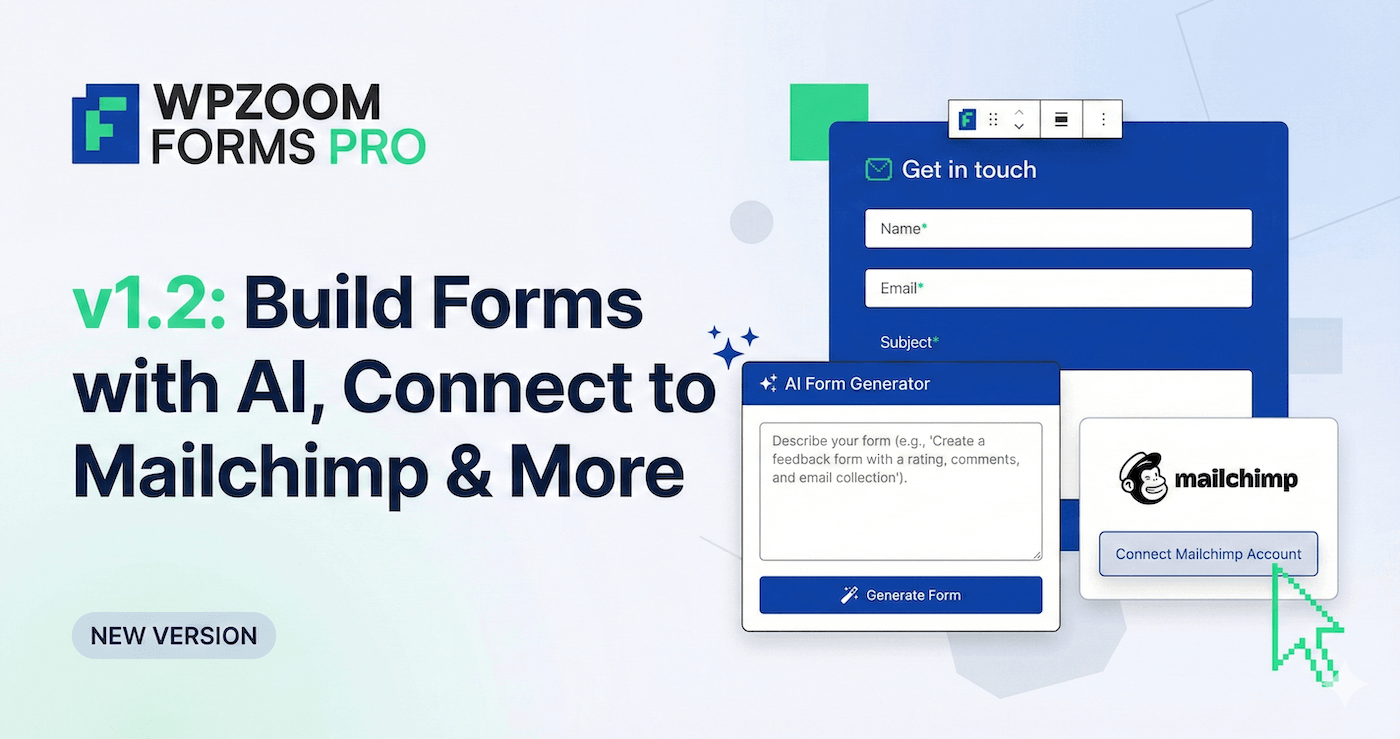
We’ve just released WPZOOM Forms PRO v1.2 with features that make building and managing forms significantly easier. Whether you’re collecting leads, taking bookings, or gathering feedback, this update gives you faster ways to create forms and smarter ways to manage the data.
Build Forms with AI
Describe what you need in plain language and watch AI create your form instantly. Need a consultation request form with name, email, phone, preferred date, and service type? Just tell the AI and it generates the complete form with all the right fields. You can even refine your prompt using AI to get exactly what you need.
No more dragging fields one by one or figuring out which field types to use. Describe your form, and the AI handles the rest.
Connect Forms to Mailchimp
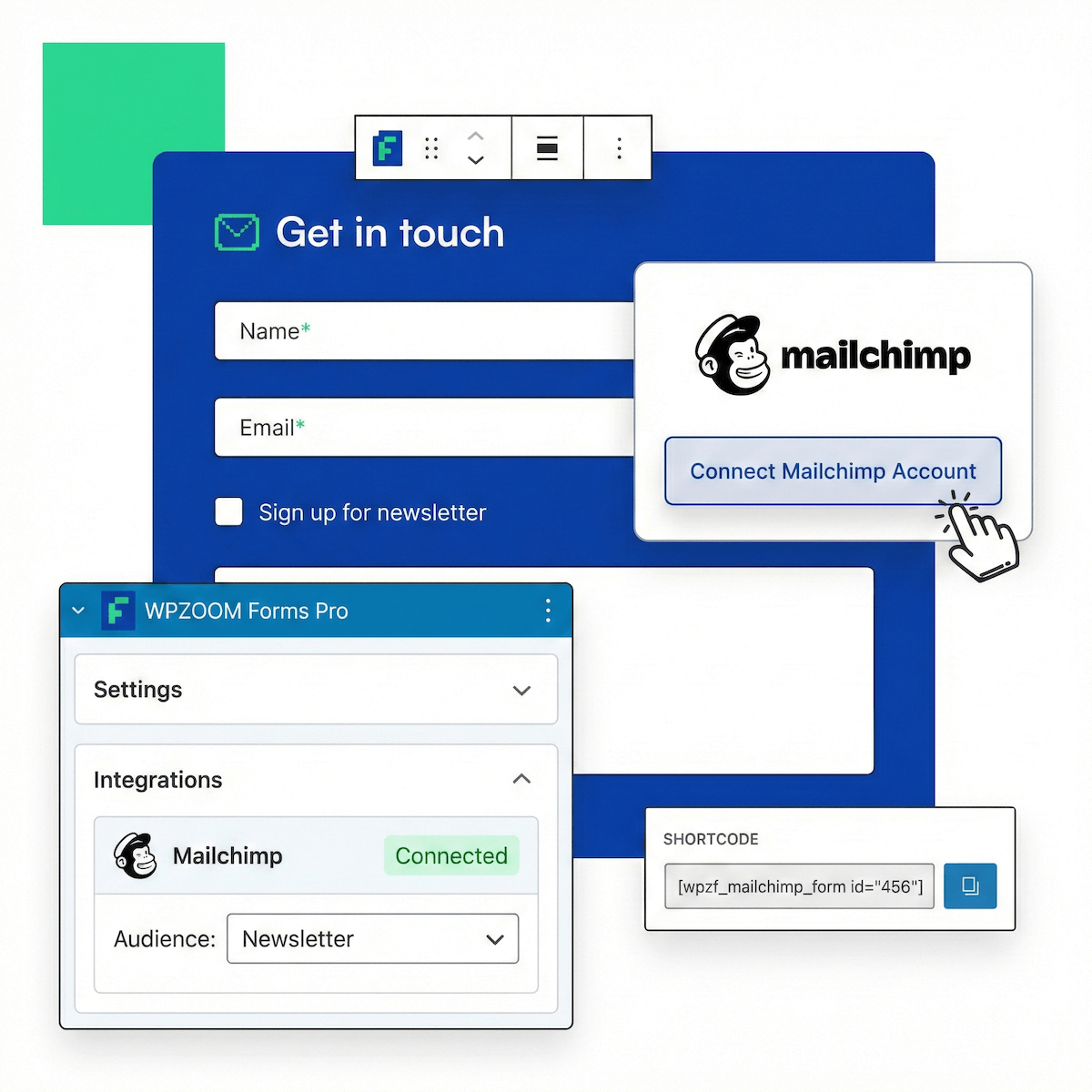
Your forms now sync directly with Mailchimp. Connect any form to your Mailchimp audiences, map form fields to Mailchimp fields, and watch your email list grow automatically. No manual exports, no CSV files, no extra steps.
Perfect for newsletter signups, lead magnets, or any form where you want subscribers added to your email list immediately.
20+ New Form Templates
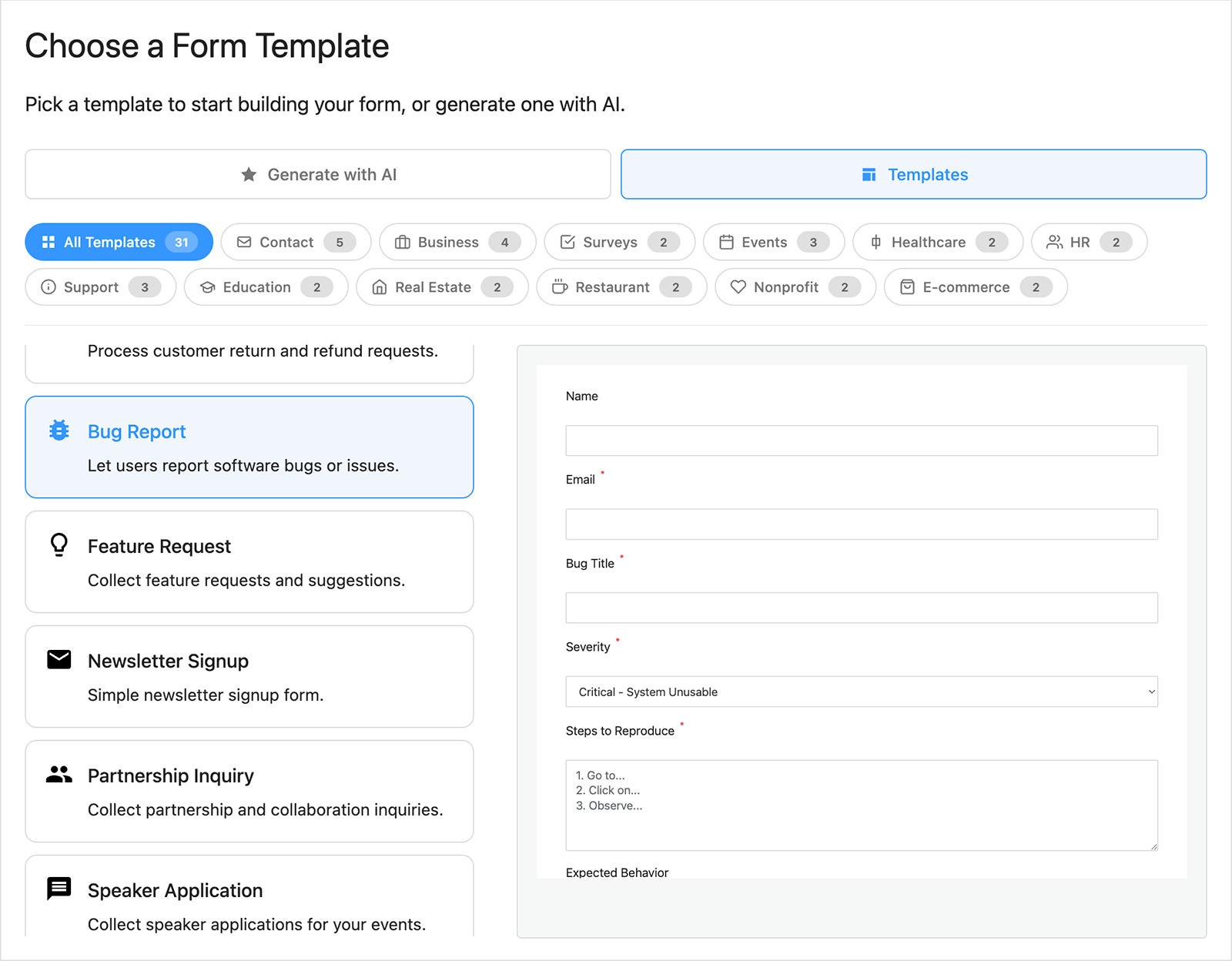
We’ve added over 20 professionally designed templates (bringing the total to 30+). Pick from:
- Newsletter signup and membership forms
- Contact and support request forms
- Appointment and booking forms
- Job, volunteer, and vendor applications
- Event RSVPs and restaurant reservations
- Customer surveys and feedback forms
- Property viewing requests and rental applications
- Project inquiries and partnership requests
- Course enrollment and student registration
- And many more
Choose a template, customize it to match your site, and you’re done. No need to start from scratch every time you need a new form.
Import and Export Forms
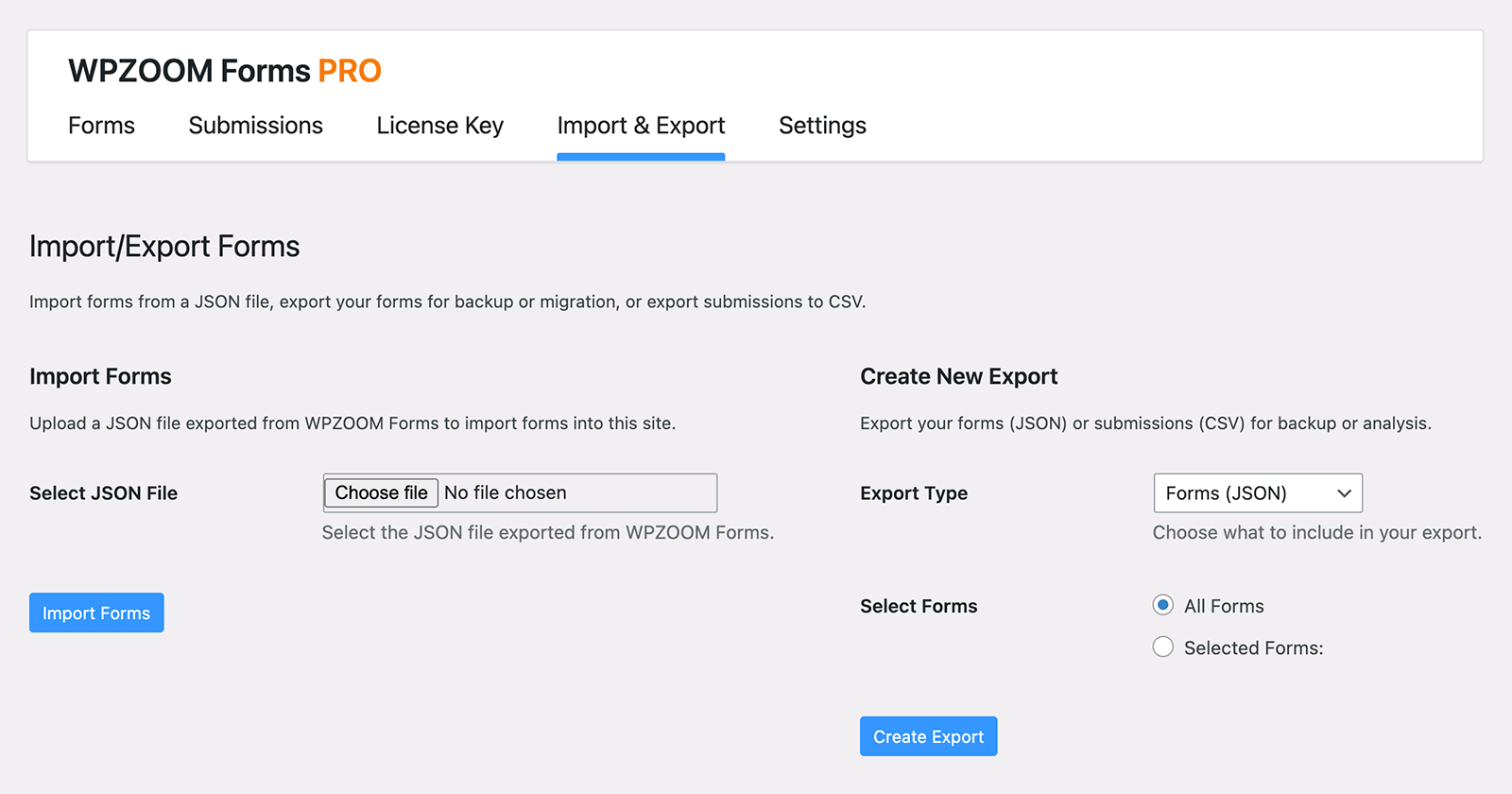
Need to move forms between sites? Building forms for clients? You can now export any form and import it on another site in seconds. No need to rebuild forms from scratch. You can also export all your form submissions to CSV to analyze responses, create reports, or import data into other tools.
This makes it simple to reuse forms across multiple projects or back up your forms before making major changes.
New Form Fields
We’ve added four new field types to give you more control over the data you collect:
- Time Picker: Let visitors select times in 12 or 24-hour format
- Number Field: Add numeric inputs with min/max/step validation
- GDPR Consent Checkbox: Stay compliant with data protection requirements
- Hidden Field: Track UTM parameters, referrer data, and other information behind the scenes
These fields work with all the other features, including the AI form builder and templates.
How to Update
If you’re already using WPZOOM Forms PRO, head to your WordPress dashboard and update to version 1.2. All new features will be available immediately in Dashboard > WPZOOM Forms.
Need help getting started? Our comprehensive documentation and support team are here to help you make the most of these new features.
Upgrade Your Website with a Premium WordPress Theme
Find a theme that you love and get a 10% discount at checkout with the FLASH10 code
Subscribe to the WPZOOM newsletter.
Join 200,000 people. Get our latest news & releases delivered to your inbox.


