

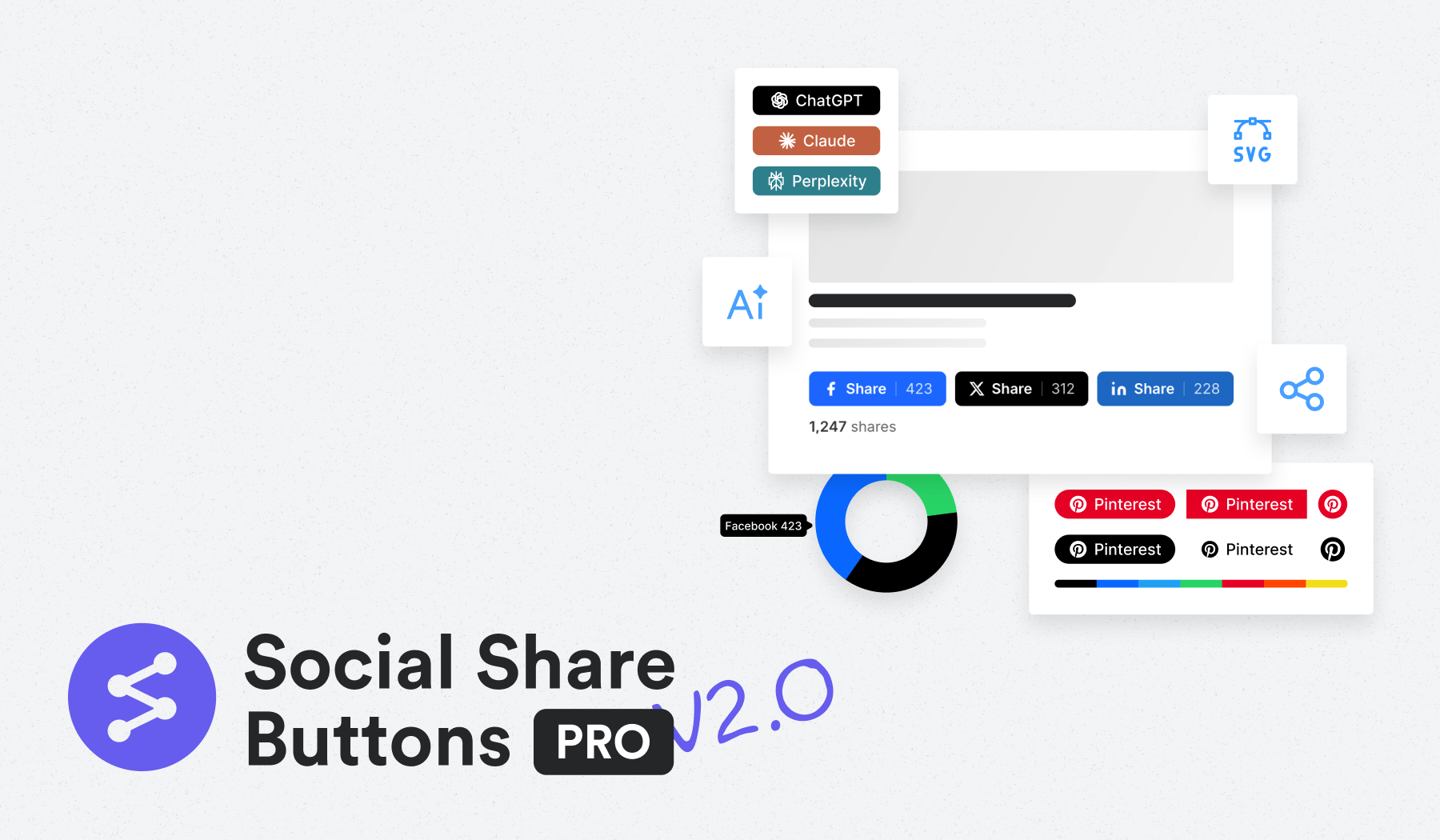
We’ve just released WPZOOM Social Icons & Share Buttons v2 – a complete transformation from social icons to powerful social sharing buttons. This update includes share counters, AI platform integration, engagement tracking, and a comprehensive analytics dashboard to help you understand how visitors share your content.
If you’ve been looking for ways to boost content engagement and track social sharing performance, this update is built for you.
Social Sharing Buttons
We’ve expanded beyond simple social icons to include full-featured sharing buttons that let visitors share your content across 12+ platforms: Facebook, X (Twitter), Threads, LinkedIn, Pinterest, Reddit, Telegram, WhatsApp, Bluesky, Email, Copy Link, and Print.
The new sharing buttons come with six different style options: Circle, Square, Rounded, Outlined, Minimal, and One-tone. You can customize colors, sizes, spacing, and positioning to match your site’s design perfectly.

Set sharing buttons to auto-display on all posts and pages, or place them manually wherever you need them. Show or hide labels based on your preference, and adjust the position to fit your layout.
Share Analytics Dashboard (PRO)
Track how visitors share your content with a beautiful analytics dashboard built right into WordPress. See which posts generate the most shares, which platforms drive the most engagement, and how your content performs over time.
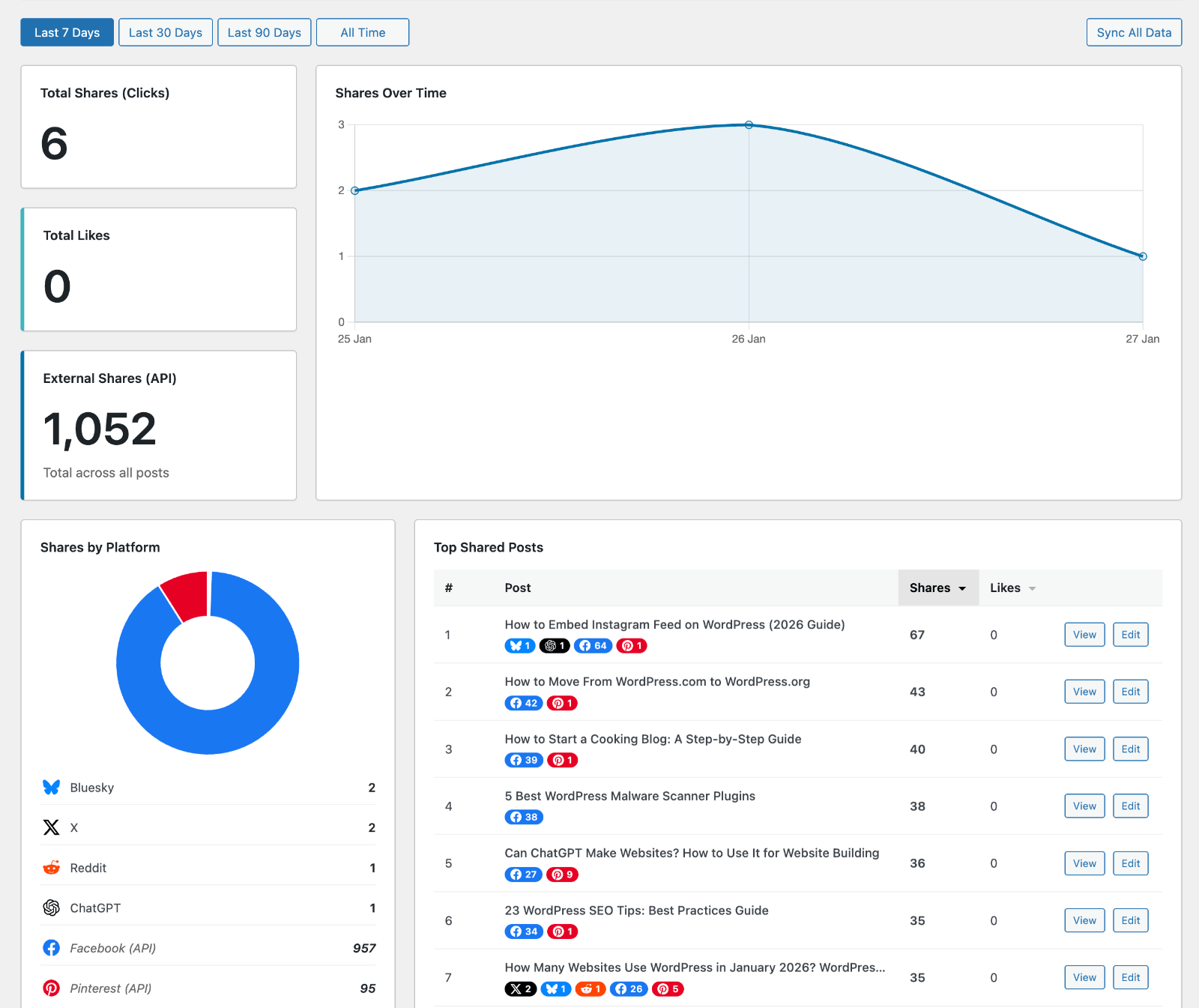
The dashboard includes:
- Total shares and engagement metrics
- Top shared posts ranked by performance
- Platform breakdown with visual charts
- Time-based trends to spot patterns
- Individual post analytics
Make data-driven decisions about your content strategy and identify what resonates most with your audience. The analytics help you understand which topics and formats generate the most sharing activity, so you can create more of what works.
AI Share Buttons (PRO)
Be ahead of the curve with our exclusive AI platform sharing buttons. Let visitors share your content directly to ChatGPT, Claude, and Perplexity AI with a single click.

These buttons are perfect for content creators, educators, and anyone who wants their content to be easily accessible in AI conversations. As AI platforms become primary research tools, these buttons help your content reach new audiences where they’re already spending time.
Share Counts & Like Button (PRO)
Display share counts directly on your buttons to create social proof and encourage more sharing. The plugin tracks internal shares and can fetch external share counts from Facebook, Pinterest, and other platforms through the SharedCount API integration.
The new Like button gives visitors a simple way to show appreciation for your content without leaving your site. Unlike traditional social likes that require platform accounts, this button uses IP-based tracking to let anyone engage with your content instantly.
Both features work together to boost engagement and create the social validation that encourages more visitors to share your content.
How to Update
If you’re already using WPZOOM Social Icons & Share Buttons, head to your WordPress dashboard and update to version 2.0. All new features will be available immediately.
New users can download the plugin from the WordPress plugin directory or upgrade to the PRO version for advanced features including AI sharing buttons, share counts, Like button, and analytics dashboard.
Need help getting started? Our comprehensive documentation and support team are here to help you make the most of these new features.
Upgrade Your Website with a Premium WordPress Theme
Find a theme that you love and get a 10% discount at checkout with the FLASH10 code
Subscribe to the WPZOOM newsletter.
Join 200,000 people. Get our latest news & releases delivered to your inbox.


